Squad Battles Winter War version 4.03.5 Update
Today, we are updating Squad Battles Winter War to version 4.03.5.
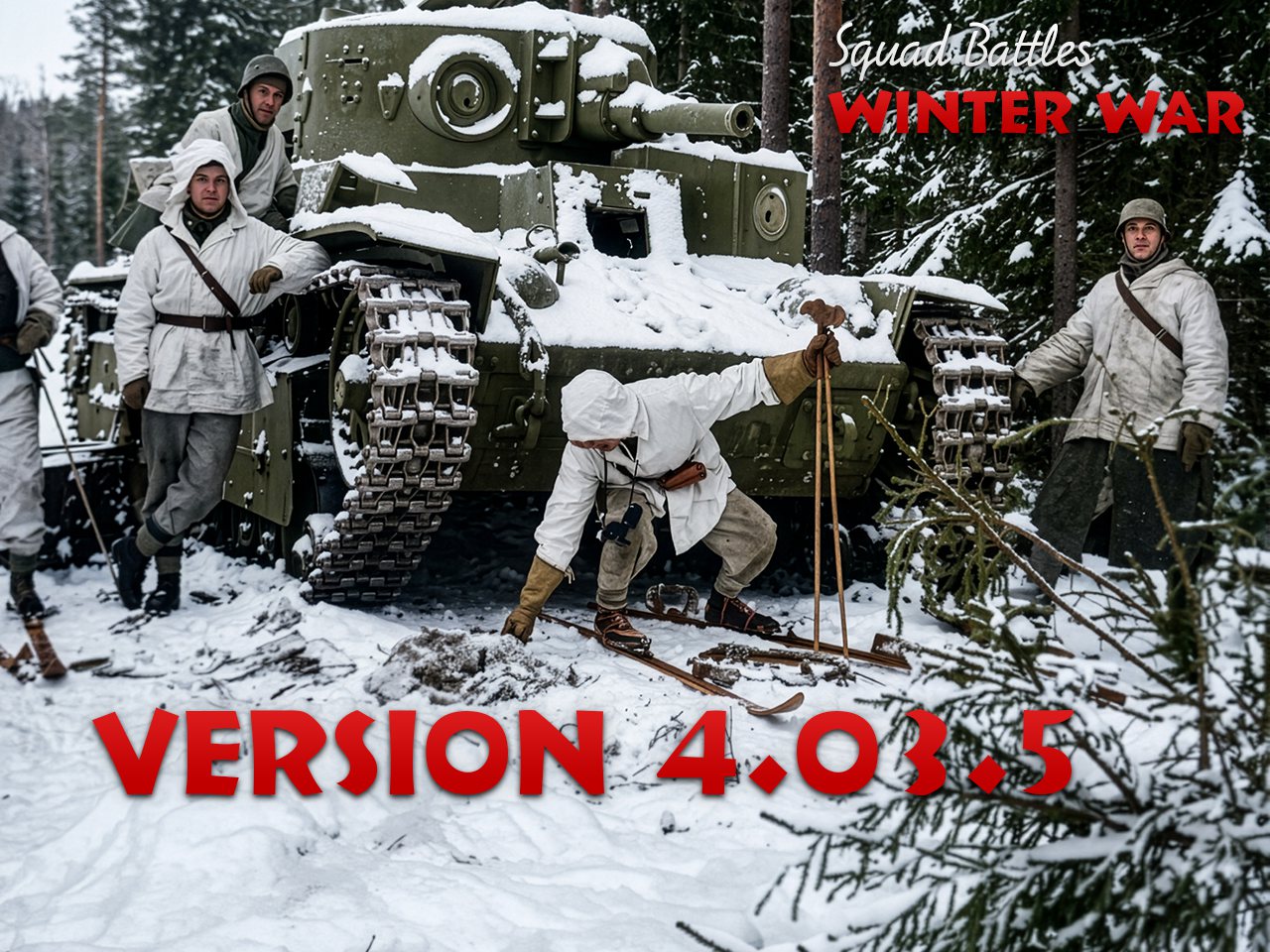
Following on from the earlier 4.03.4 release of Winter War, we are updating this title to 4.03.5 to match the latest versions of Advance of the Reich, Red Victory, Eagles Strike, The Proud and the Few and the Squad Battles Demo: Grenada.
Version 4.03.5 is another important step forward, as we have begun implementing changes made to other twentieth-century series. This alignment is designed to remove differences between the game code, allowing us to roll out improvements across multiple series more quickly.
There are many other improvements included in versions 4.03.5. The following are the detailed changes as per the changelog.
4.03.5 Changelog
Bug Fixes
· Fixed: Fix for data error when replaying enemy rallies.
· Fixed: Scenarios incorrectly showing only 1 turn on the Selection Screen. This was caused by the inclusion of the new ‘nighttime’ flag.
· Fixed: The small selection screen will now open when the screen resolution vertically is 1024 pixels or less.
· Fixed: Changed some configuration settings in the Soloud sound engine to reduce conflicts. In most cases, we have found outdated sound drivers as the primary cause of problems.
· Fixed: Fix for a game crash when selecting Two-Player Hot Seat.
· Fixed: Fix for a game crash when loading a scenario with either snow or frozen ground.
Enhancements
· Improved figure and head counter graphics.
· Trench icons now show on map.
· Weapon type icons added to NATO counter graphics.
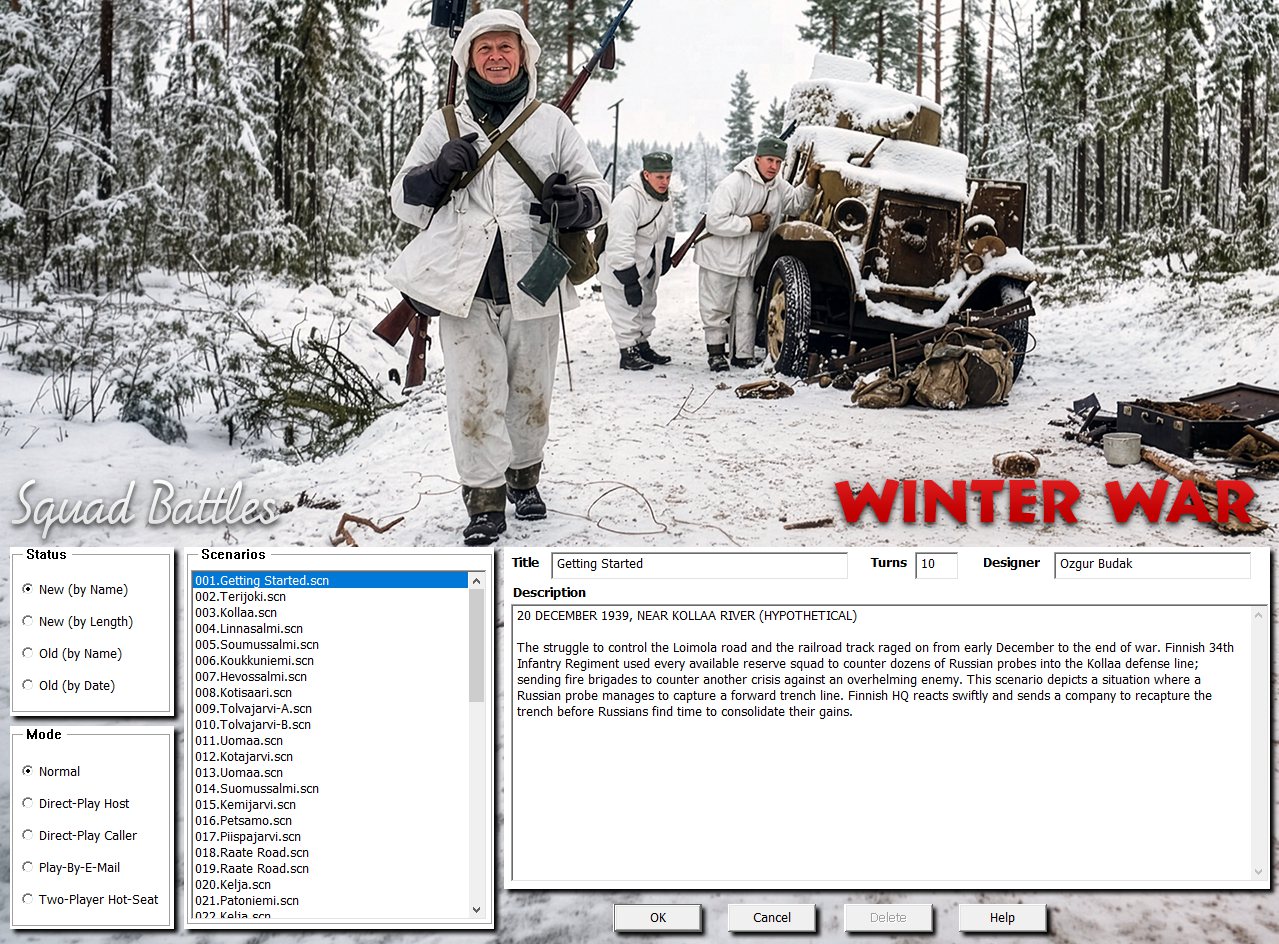
· Graphical Selection screens added to align with other series.
· The Selection Screen now uses a larger font and is also larger to display more information.
· A range of other reports or dialogs now use a larger font to improve readability.
· Show Organization Enhancements (Alt-Q)
o Is now a non-modal dialog and can be left open during play. It can be placed on a separate monitor if desired.
o The ‘Show Organization’ (Alt-Q) will now both highlight the selected organization and move the map to centre on the selected formation/unit.
o If an organization is highlighted on map (shortcut key ‘Q’) and then the Show Organization dialog opened (Alt-Q), the dialog will now expand the Org Tree to show the selected Organization.
o Selecting units on map with the Show Organization Dialog open will update the dialog view.
o Formations may show if they are ‘Not Present’ or ‘Reinforcements’ in the scenario being played.
o Strength values are shown for each formation.
o Show Organization icon added to the toolbar.
· The Jump Map (shortcut key ‘J’) is now a non-modal dialog and can be left open during play. It can be placed on a separate monitor if desired.
· The Command Report (Alt-K) is now a non-modal dialog and can be left open during play. It can be placed on a separate monitor if desired.
· The Parameter Data (shortcut key ‘F3’) is now a non-modal dialog and can be left open during play. It can be placed on a separate monitor if desired.
· All non-modal displays can be placed on screen as desired and their positions and sizes will be remembered. Under Settings there is a ‘Clear Settings’ choice that will reset all positions and sizes to default. Please note this resets all your settings as previously played.
· New in-game Cursor choices. Four cursor types are available: Standard, Simple, Legacy, and Animated. There are additional colour and size options. They can be selected at the “Settings → Cursor” menu. If players want to add their own cursors, they can swap out unwanted choices in the Cursors directory.
· Replaced Media Control Interface (MCI), a legacy API, with a DirectShow-based solution.
The following are a few examples of the new selection screens. There have been a number of minor in-game graphical tweaks between 4.03.4 and 4.03.5, with improvements to on-counter graphics and various terrain graphics being the most significant. The selection screens are all new for those with sufficient screen resolution to show them.
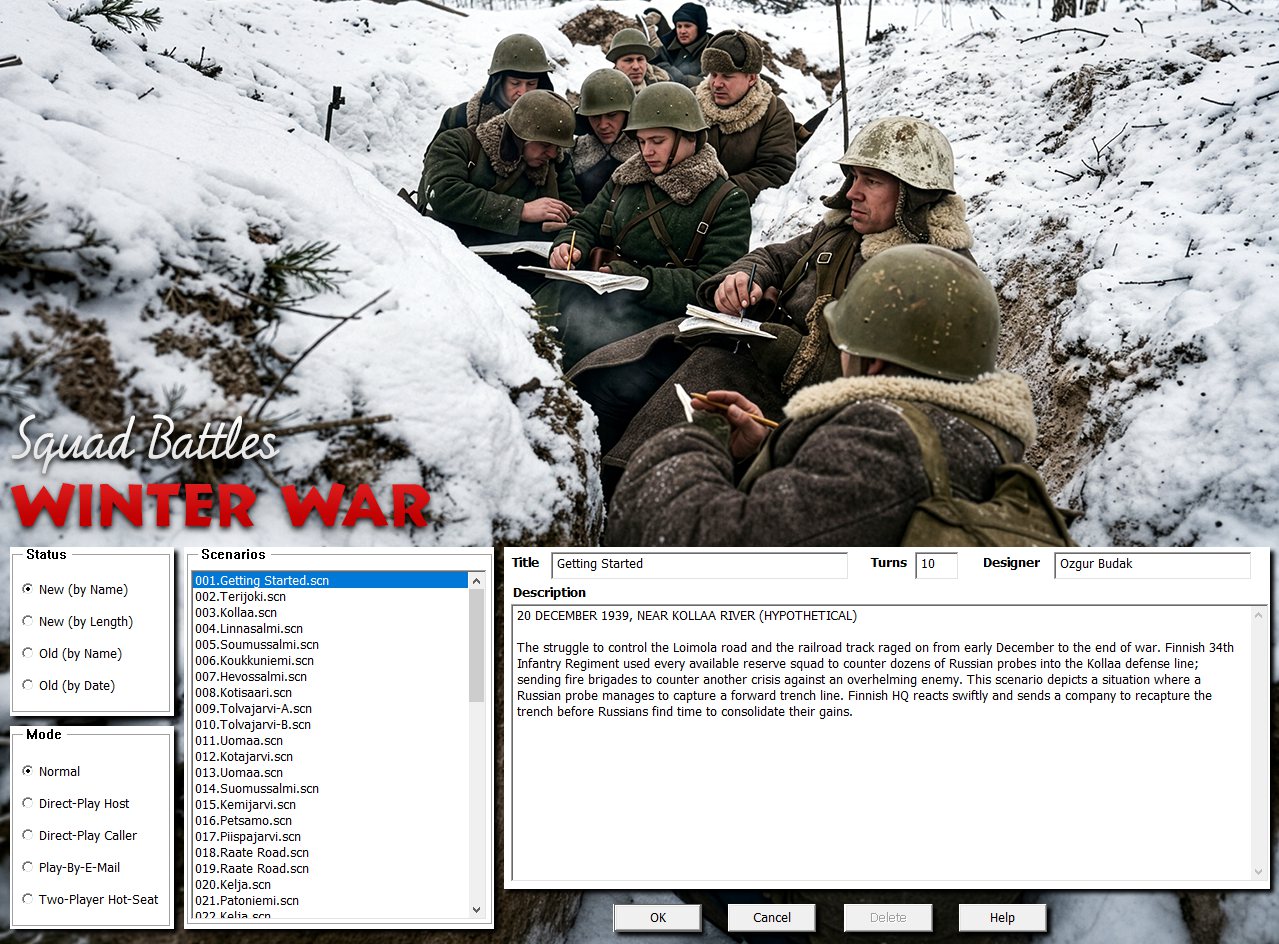
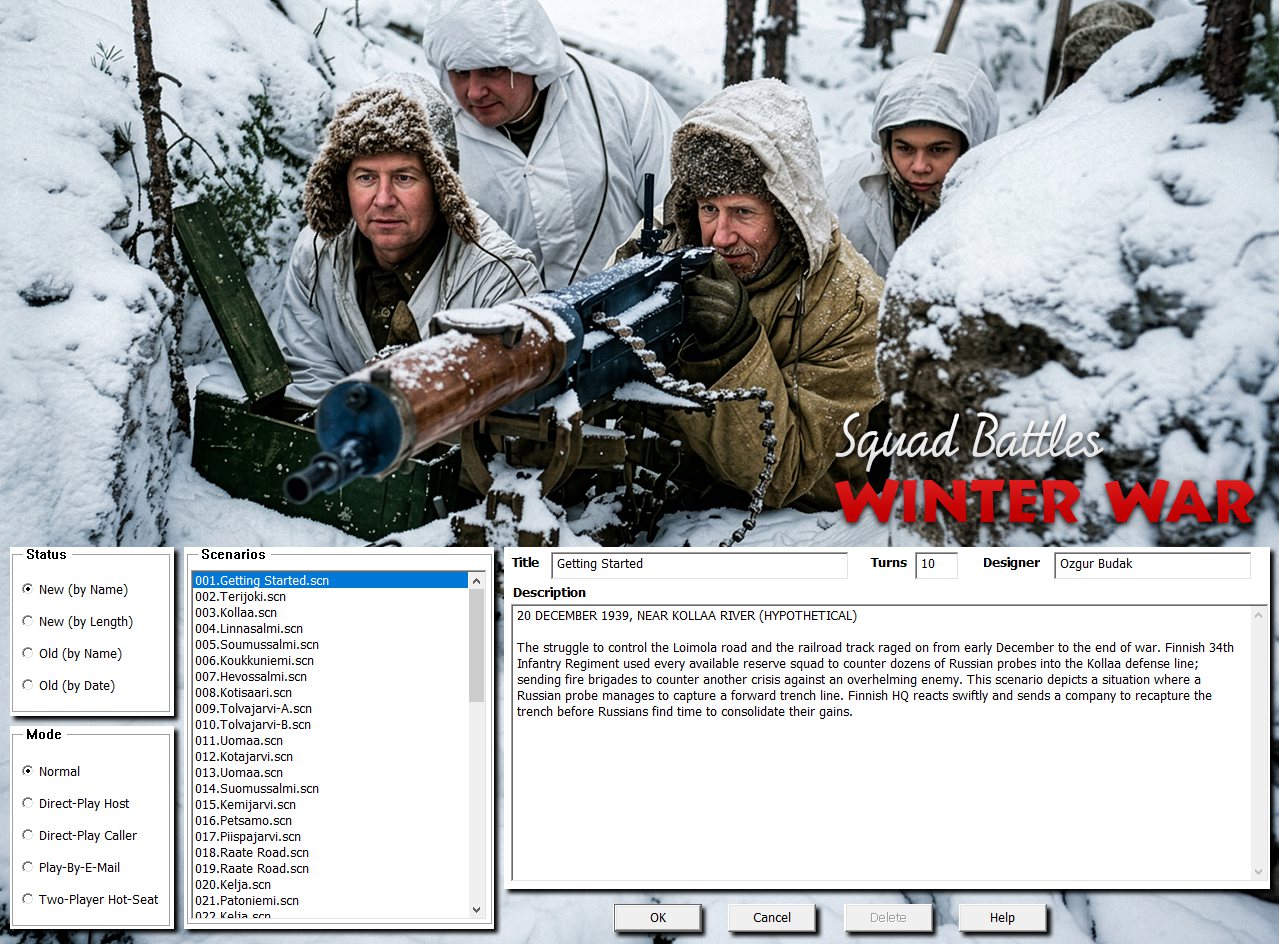
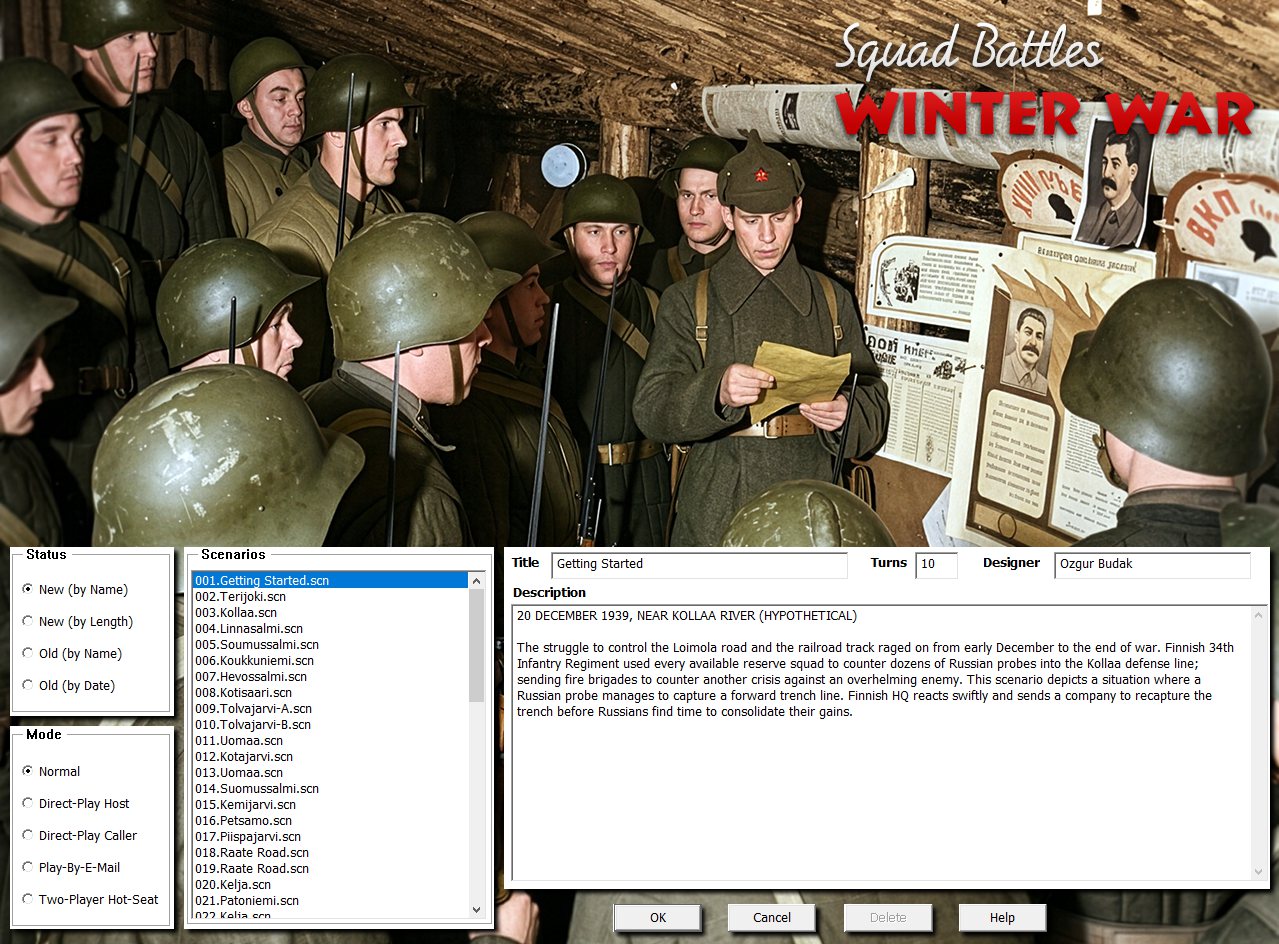
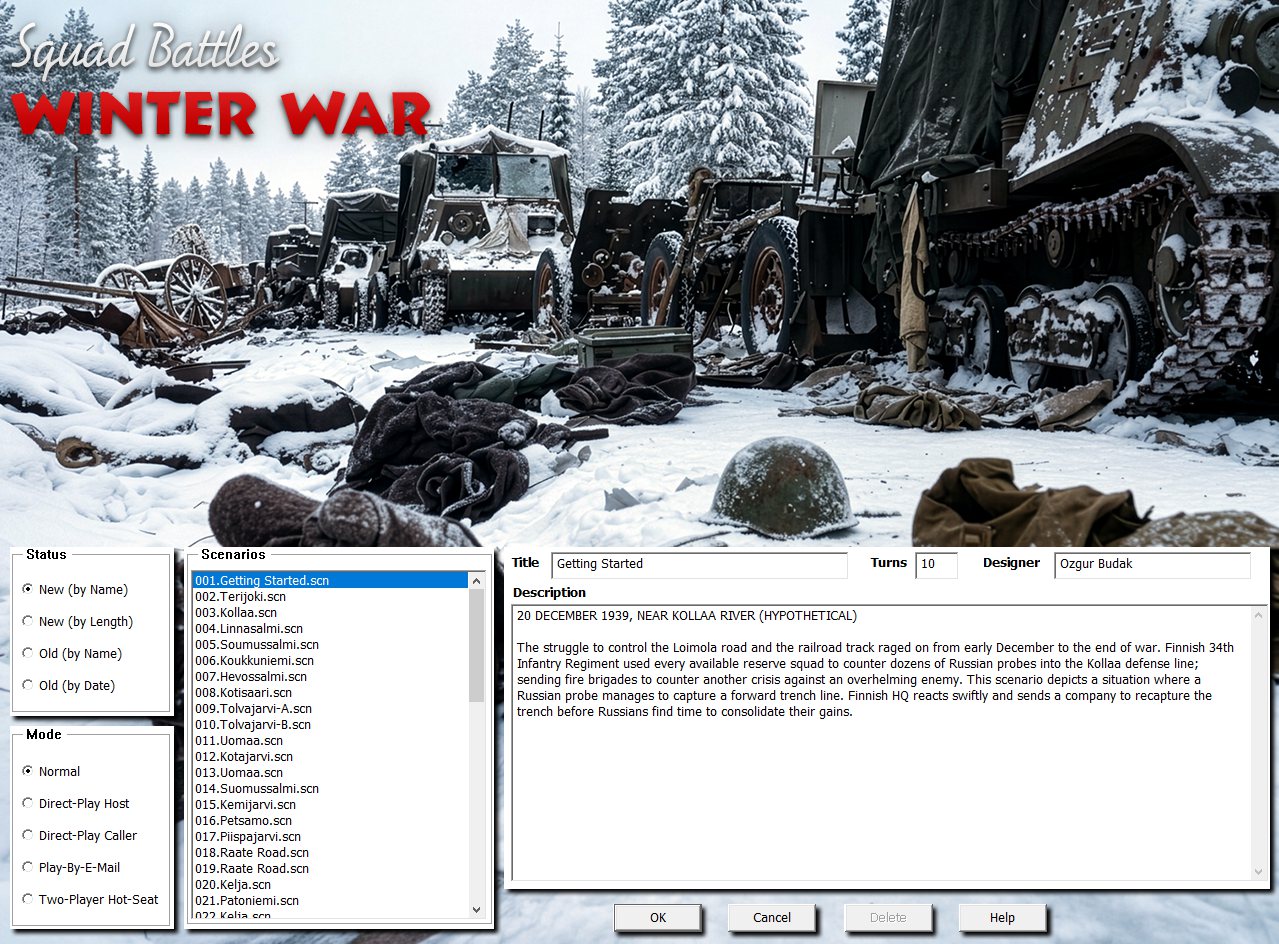
The new 4.03.5 Winter War can be bought directly from the store page here.
With our Summer Sale currently in full swing, there is no better time to pick up these titles.
Note for existing Winter War owners: The latest patch must be applied to either a 4.03.1 or 4.03.4 installation—do not patch over earlier versions. We strongly recommend downloading the full 4.03.5 installer from your store account rather than patching the previous 4.03.1 or 4.03.4 versions, as the graphics have undergone extensive changes.


Great Update. Games now look amazing. I am waiting for the rest in the series.
I would purchase some of the 4.0 Squad Battle games if they receive the updates. I have Vietman and I’m waiting for update. Please consider these 4.0s.
Another fantastic update to the Squad Battles. These titles really shine now and the updates are coming fast and furious! Keep up the great work. These games are now a joy to play!
Leave a comment