Squad Battles 4.03.5 - Rumble in the Jungle
Today, we are releasing the first Squad Battles titles updated to version 4.03.5.
Following on from the recent 4.03.4 releases: Advance of the Reich, Red Victory, Winter War, and Eagles Strike, we are today updating The Proud and the Few and the Squad Battles Demo: Grenada.
Both The Proud and the Few and Grenada are the first Squad Battles 4.03.5 versions. Version 4.03.5 is another important step forward, as we have begun implementing changes made to other twentieth-century series. This alignment is designed to remove differences between the game code, allowing us to roll out improvements across multiple series more quickly.
Squad Battles Graphical Updates
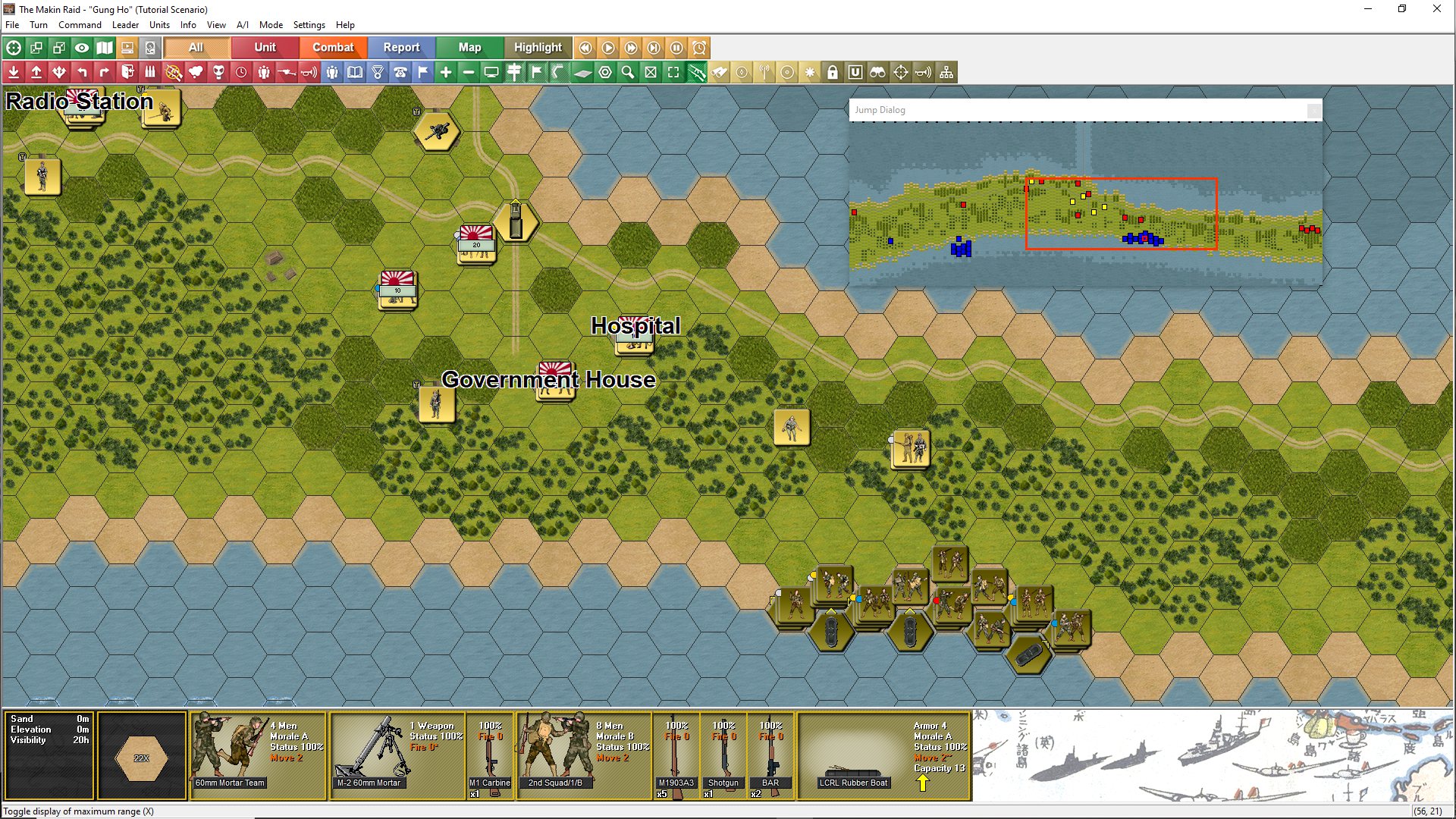
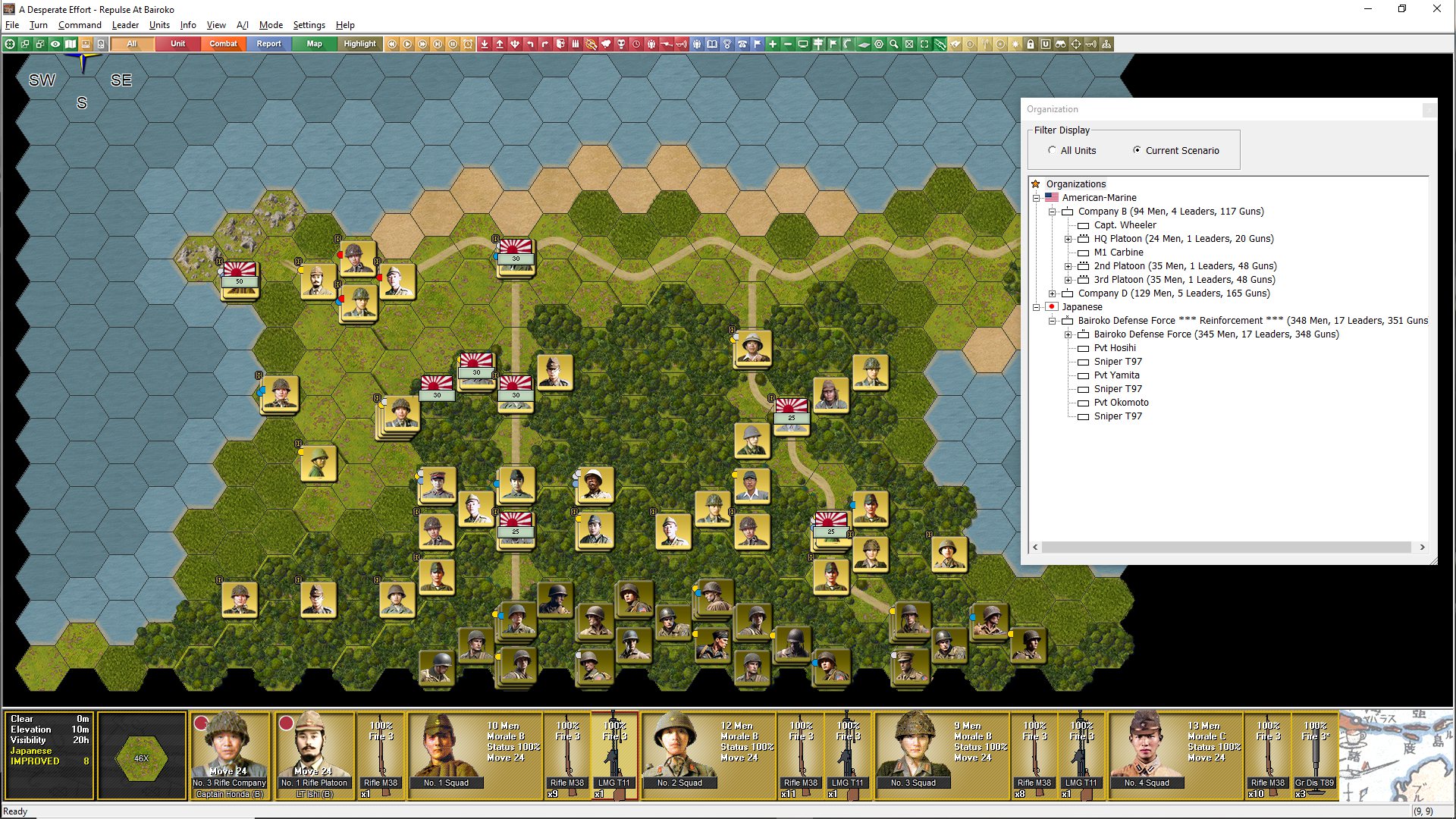
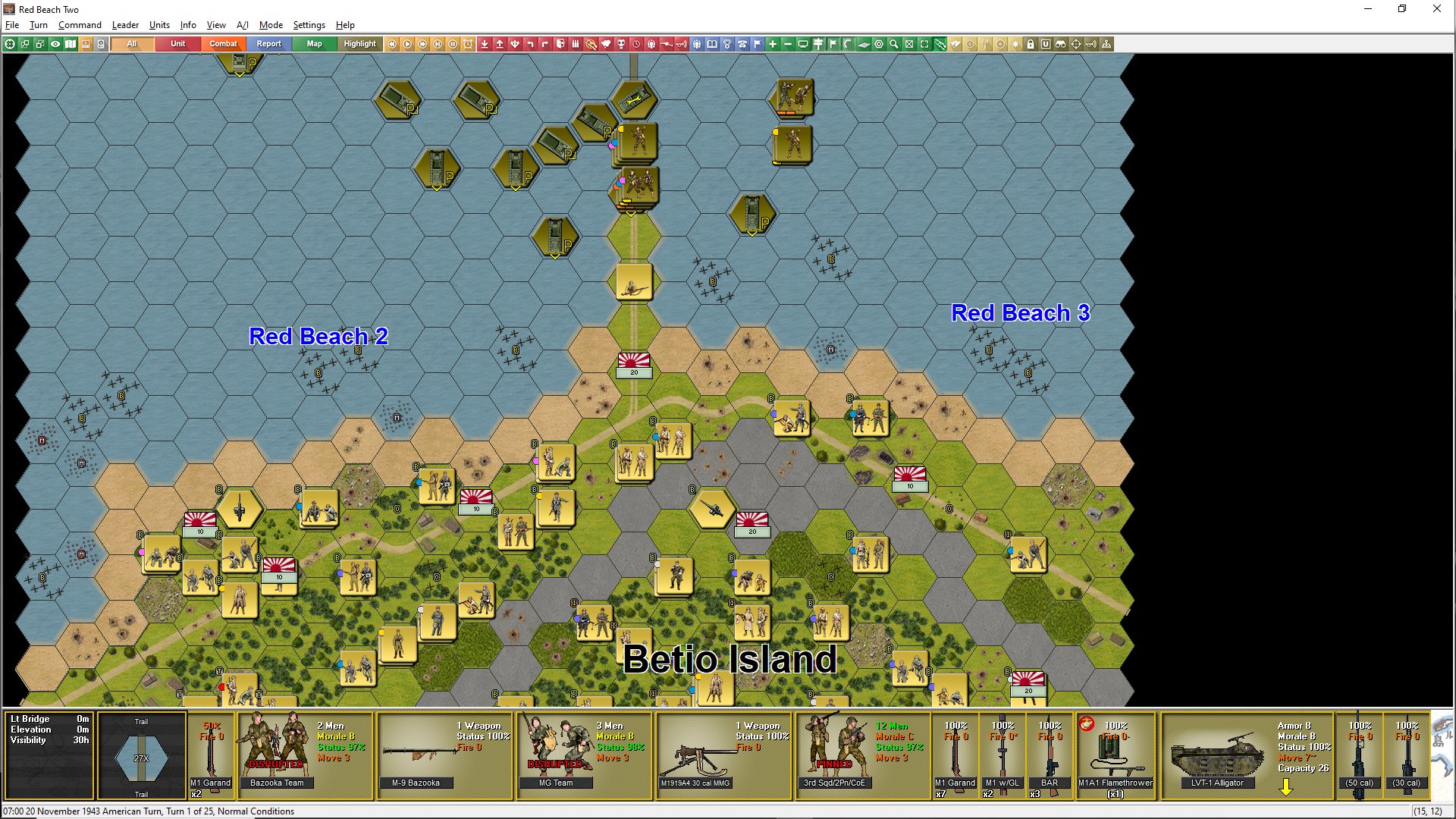
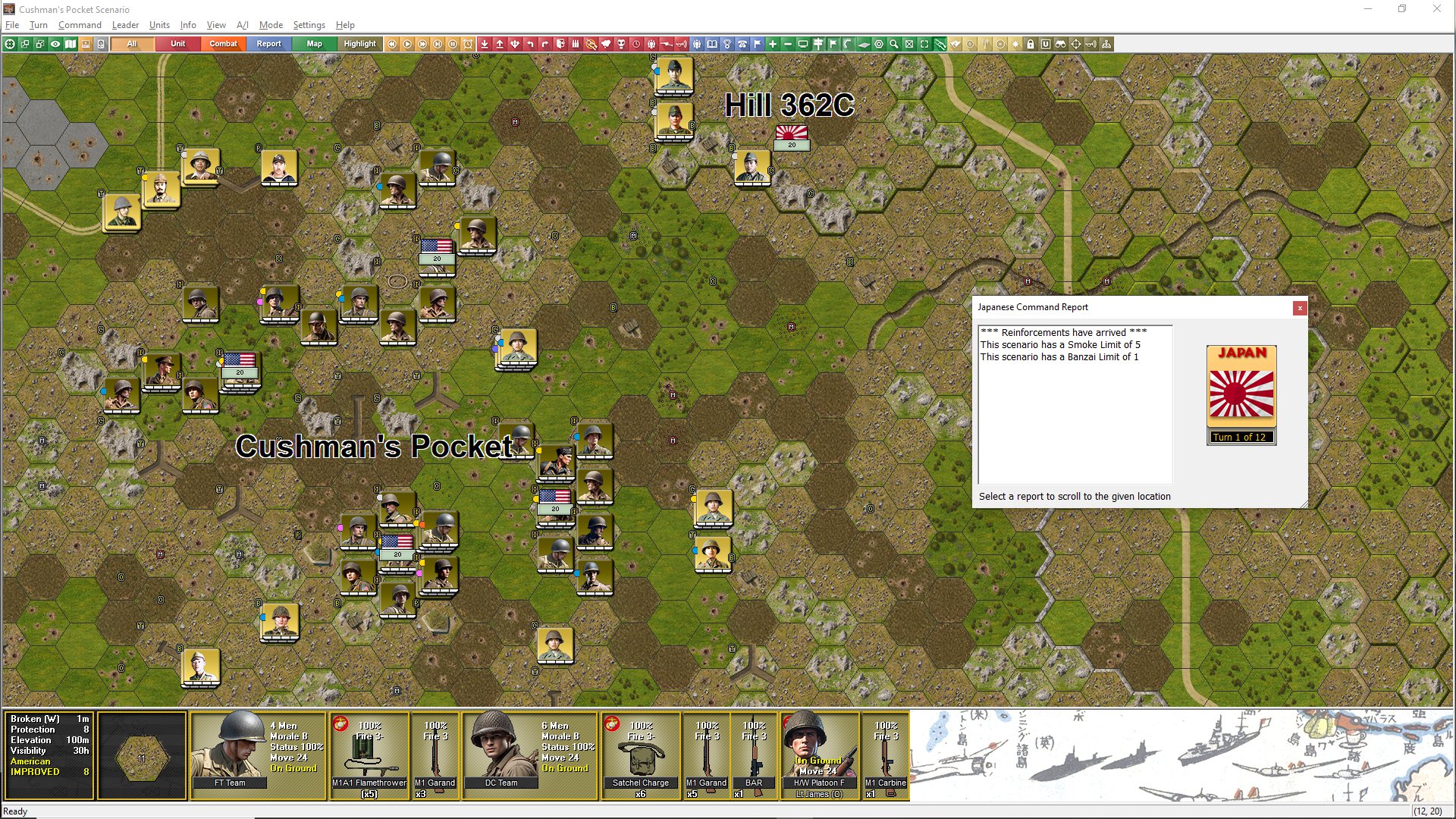
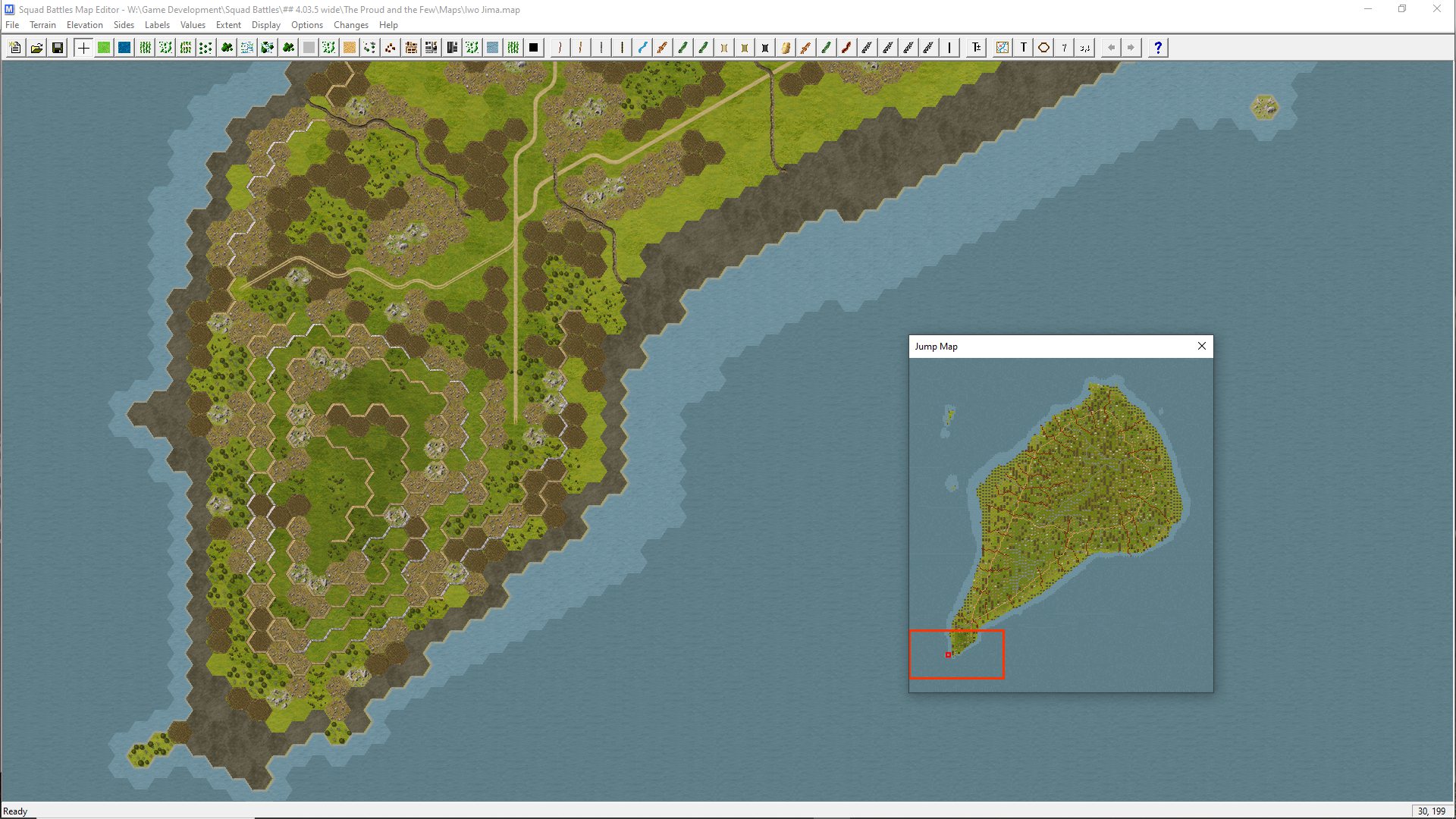
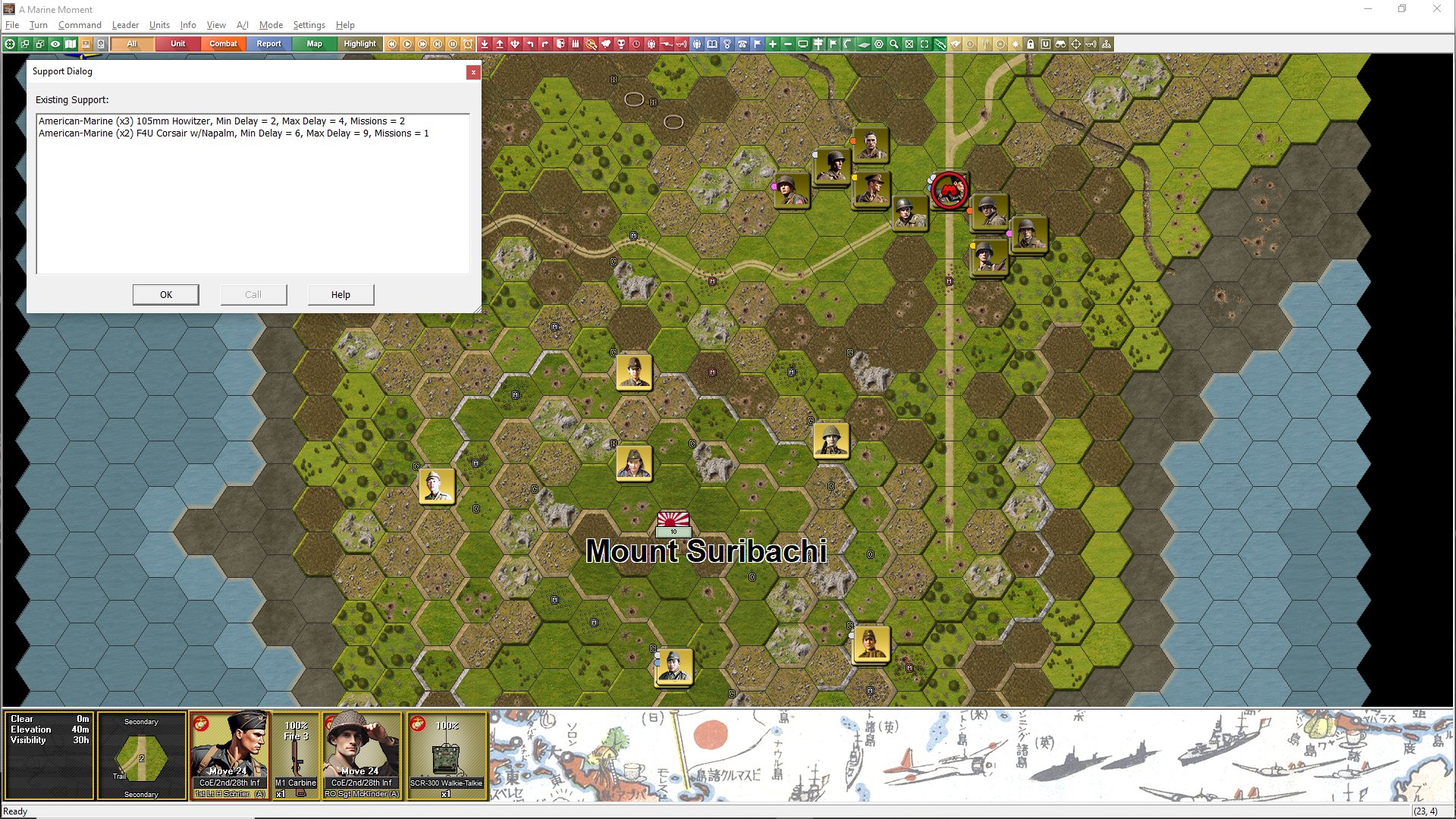
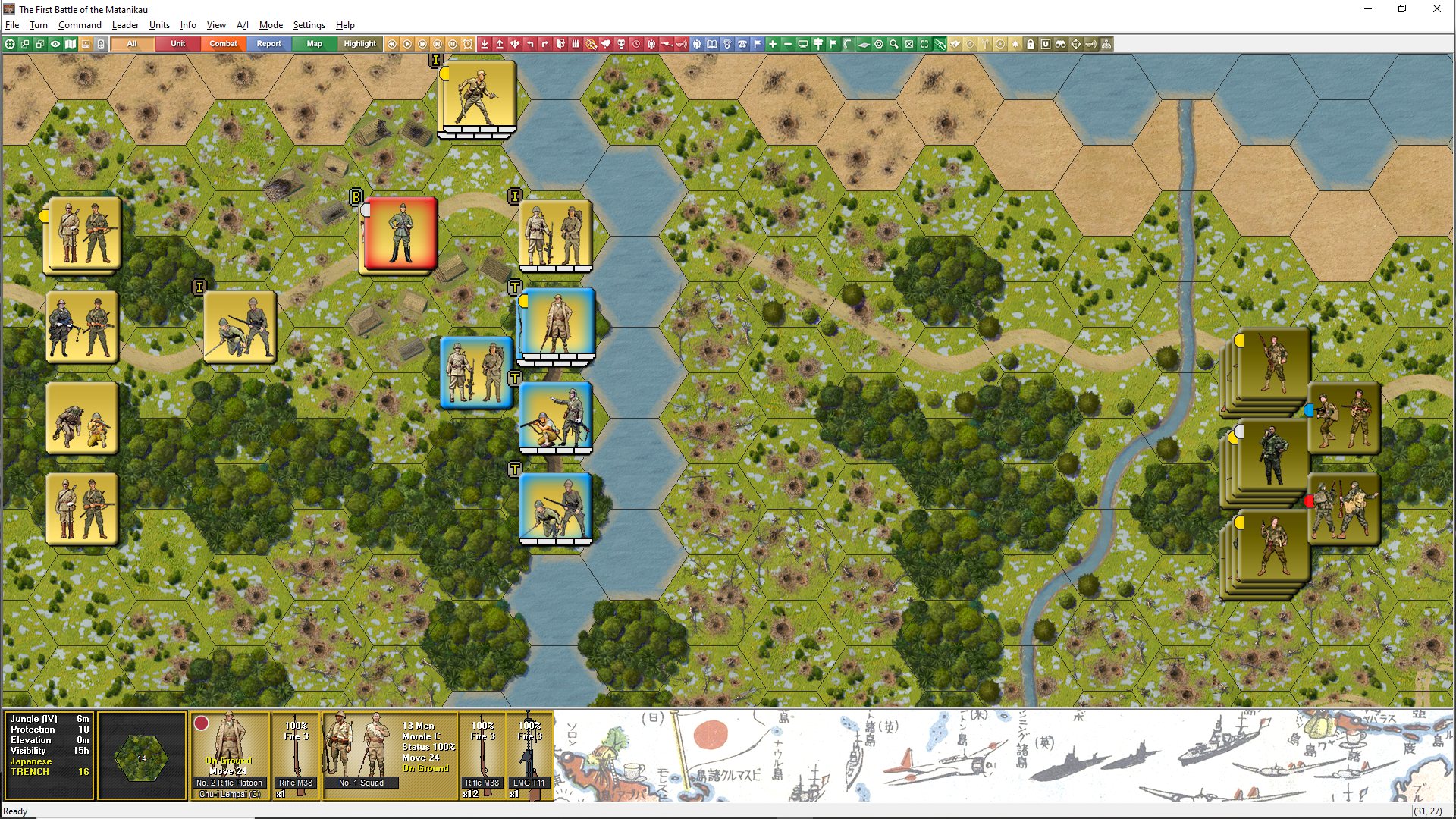
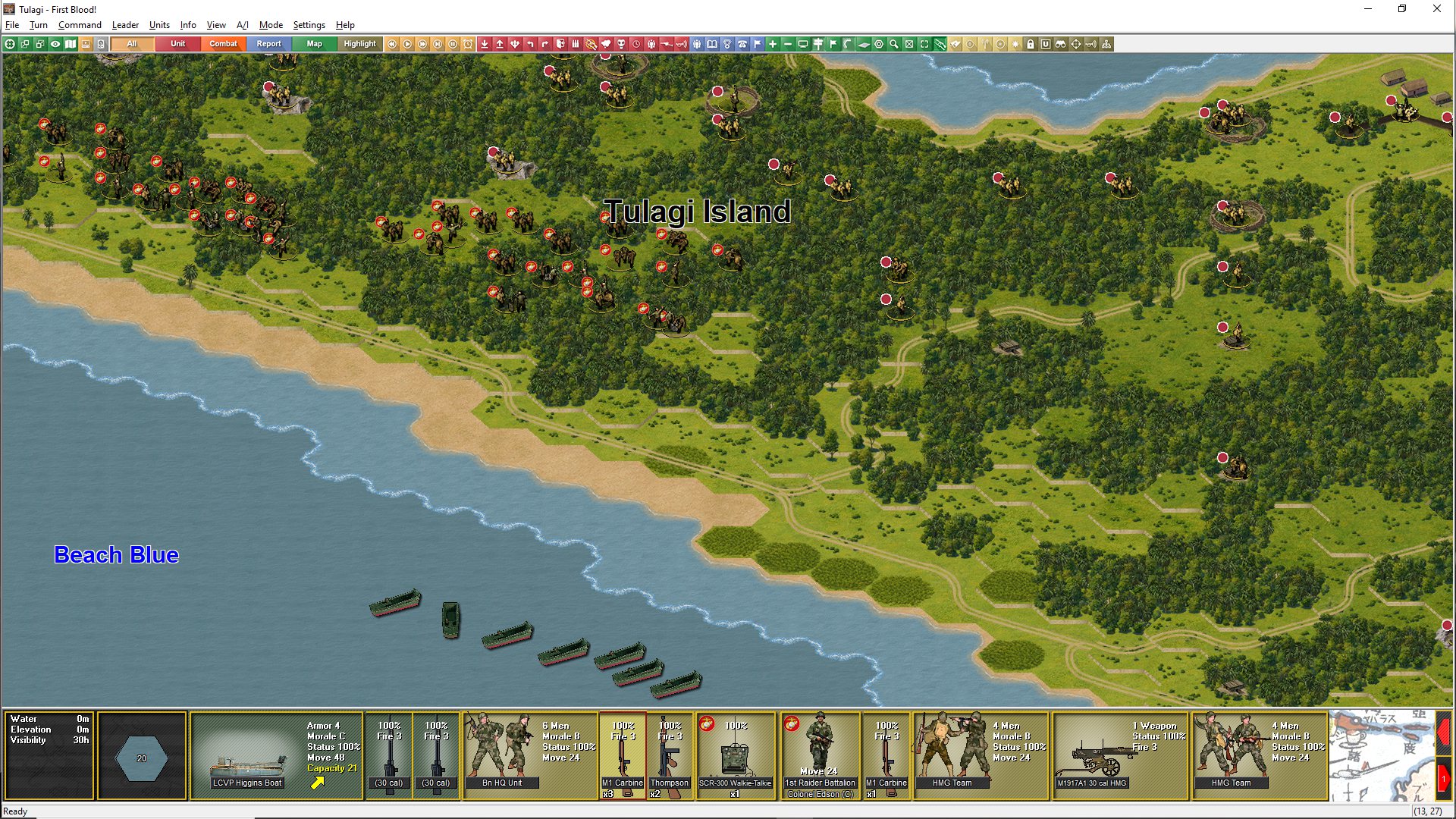
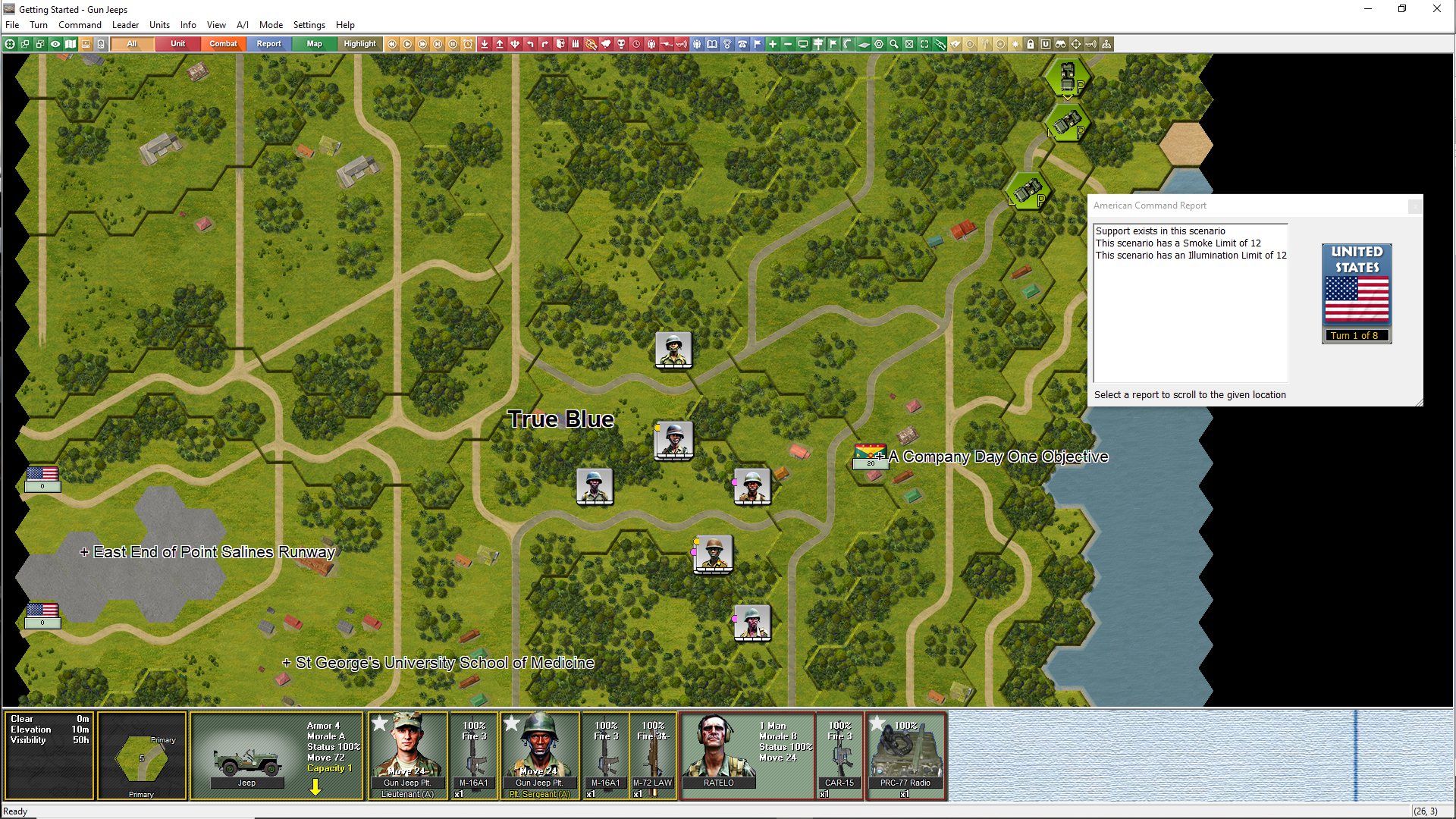
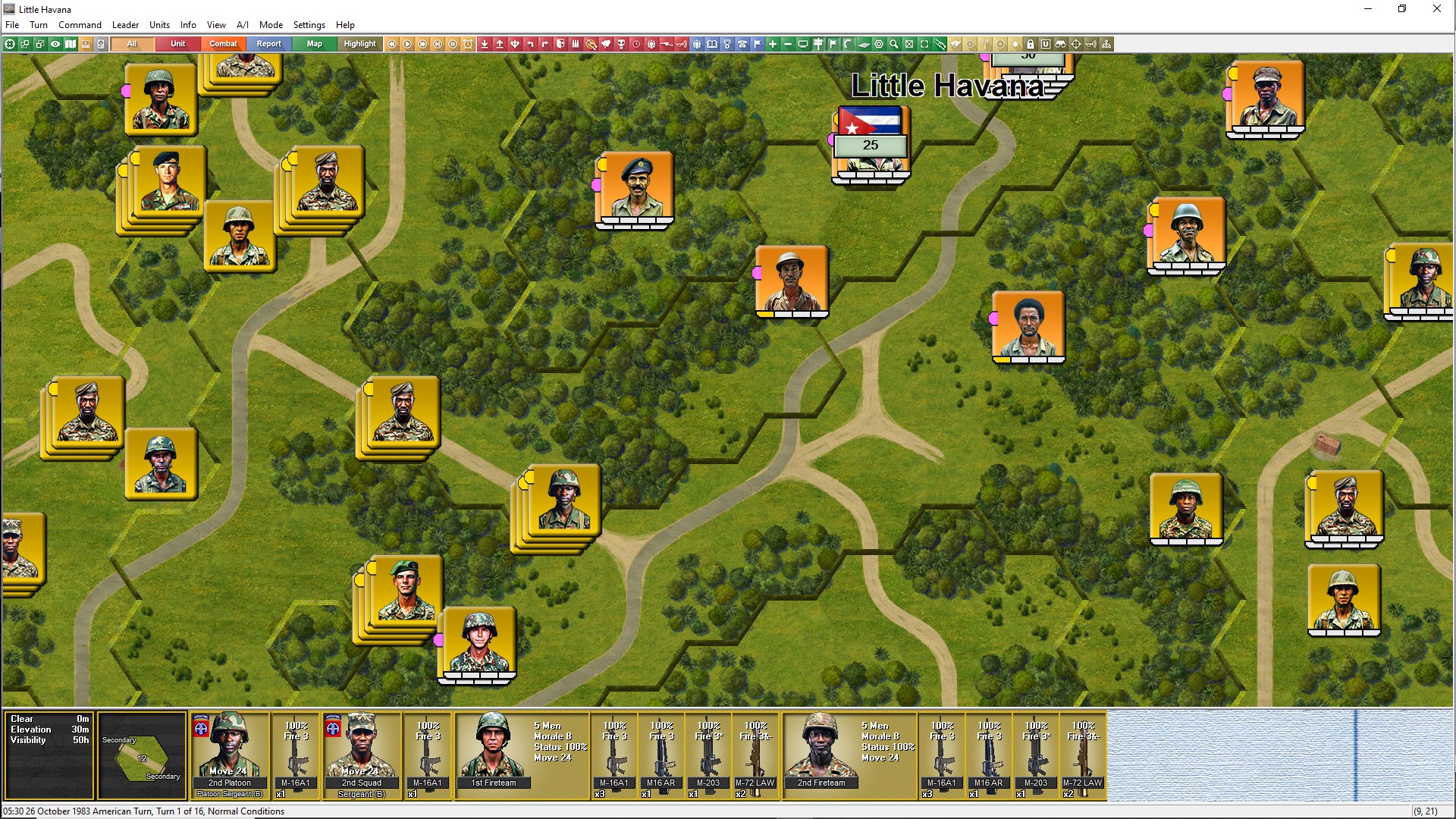
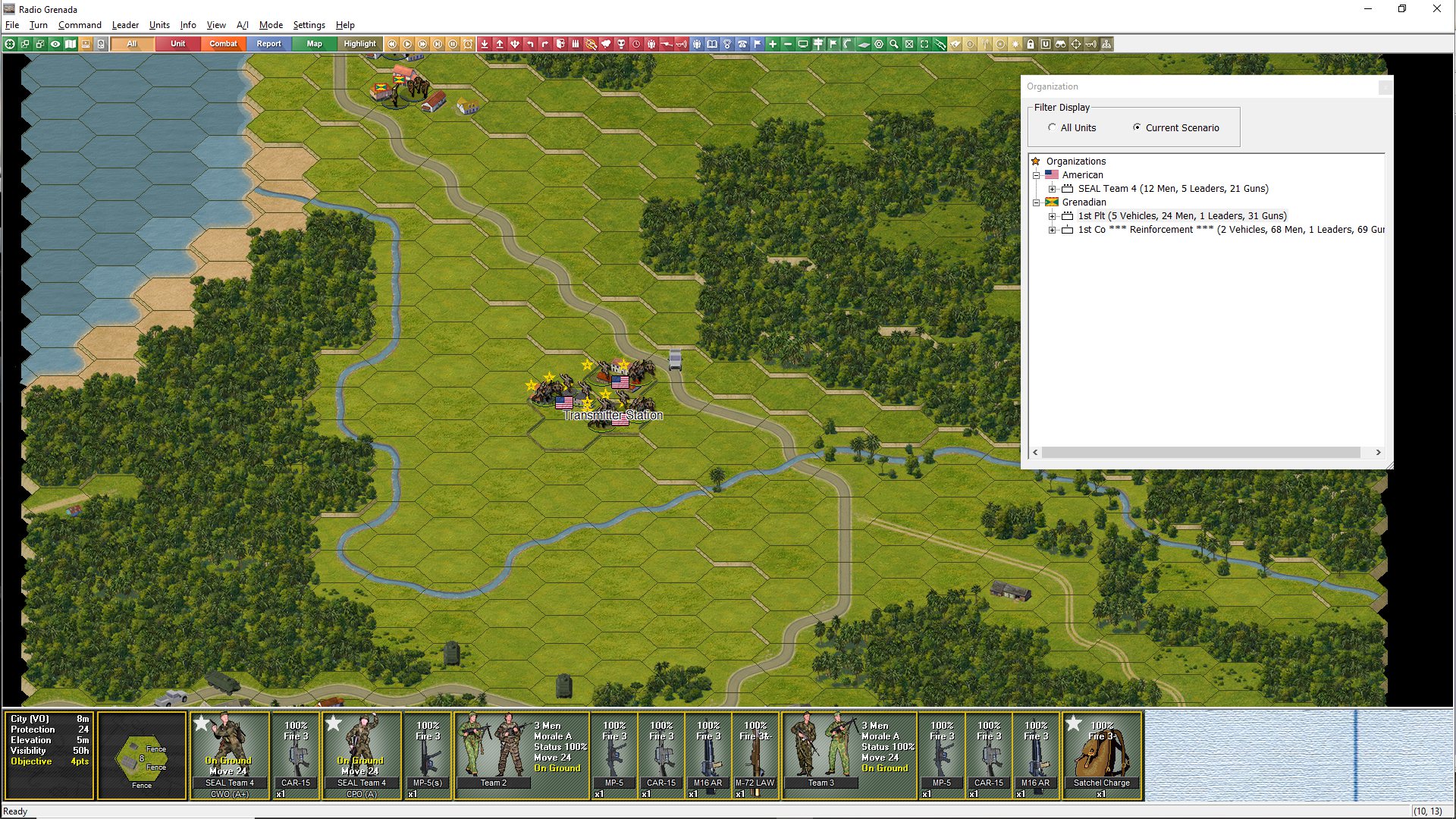
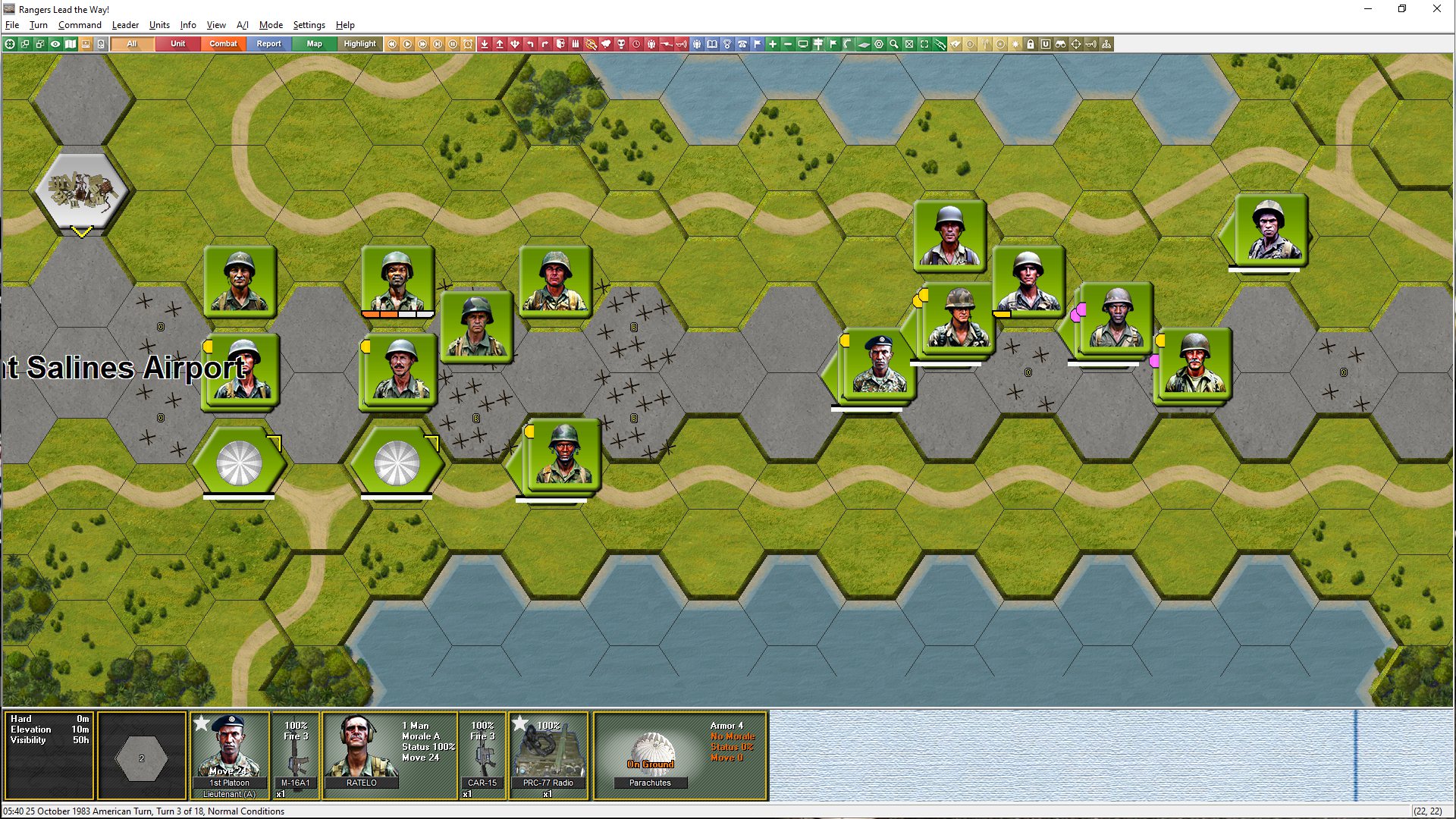
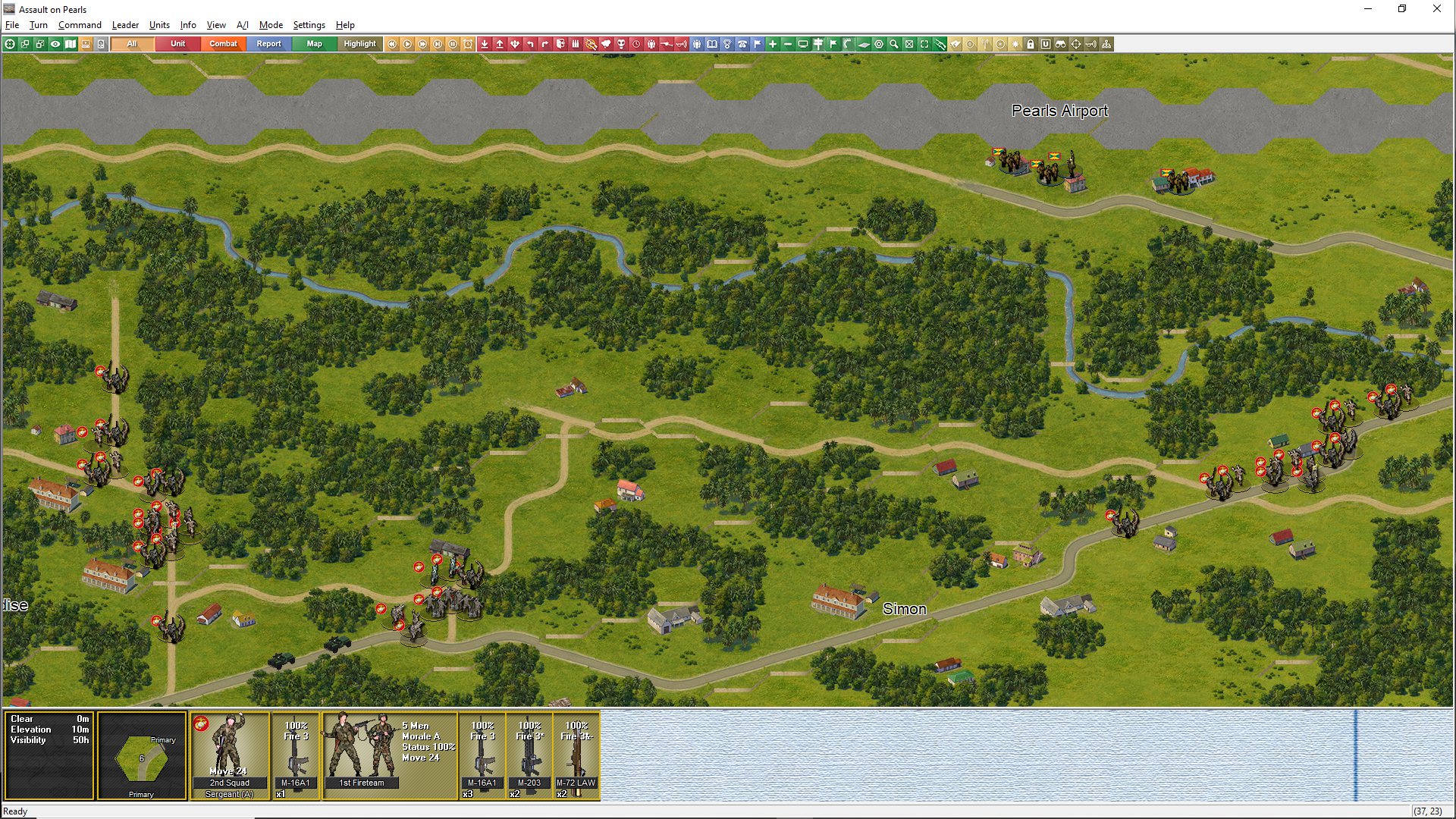
The Proud and the Few and Grenada have been built using the new Squad Battles visual standard. For the first time, we are including Asia/Pacific and Jungle graphics. Grenada also has its own dedicated buildings. A range of other graphical tweaks have been included beyond 4.03.4 that will be rolled out to the other titles as they are updated. Beyond the new Jungle and building graphics, specialist locations such as Iwo Jima have received additional tweaks to reflect their unique characteristics.
There are many other improvements included in versions 4.03.5. The following are the detailed changes as per the changelog.
4.03.5 Changelog
Bug Fixes
· Fixed: Fix for data error when replaying enemy rallies.
· Fixed: Scenarios incorrectly showing only 1 turn on the Selection Screen. This was caused by the inclusion of the new ‘nighttime’ flag.
Enhancements
· All new jungle and atoll biomes added.
· Separate Jungle and sparse jungle graphics added.
· All new Asian and Pacific buildings added.
· Improved figure and head counter graphics.
· Trench icons now show on map.
· Weapon type icons added to NATO counter graphics.
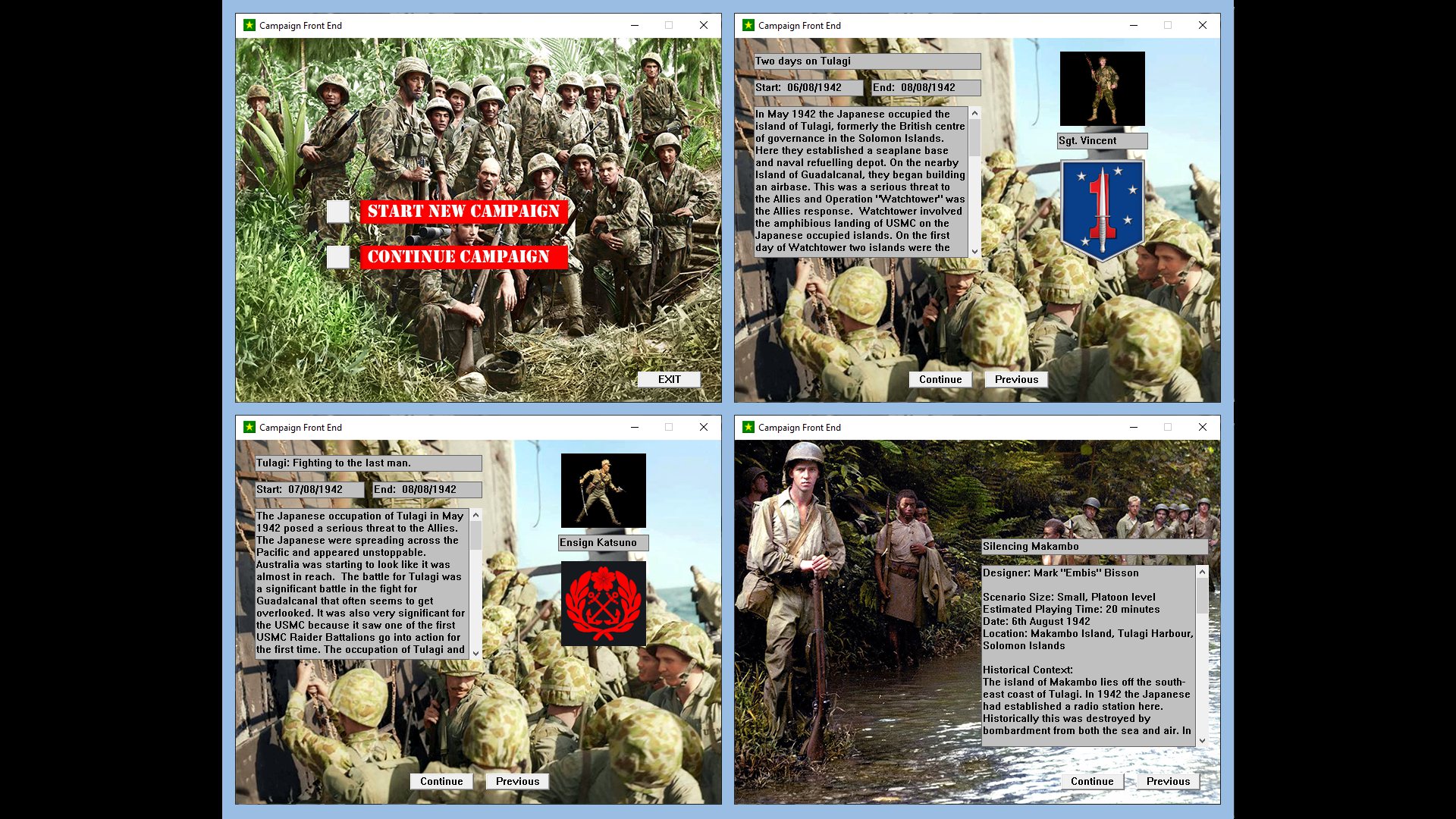
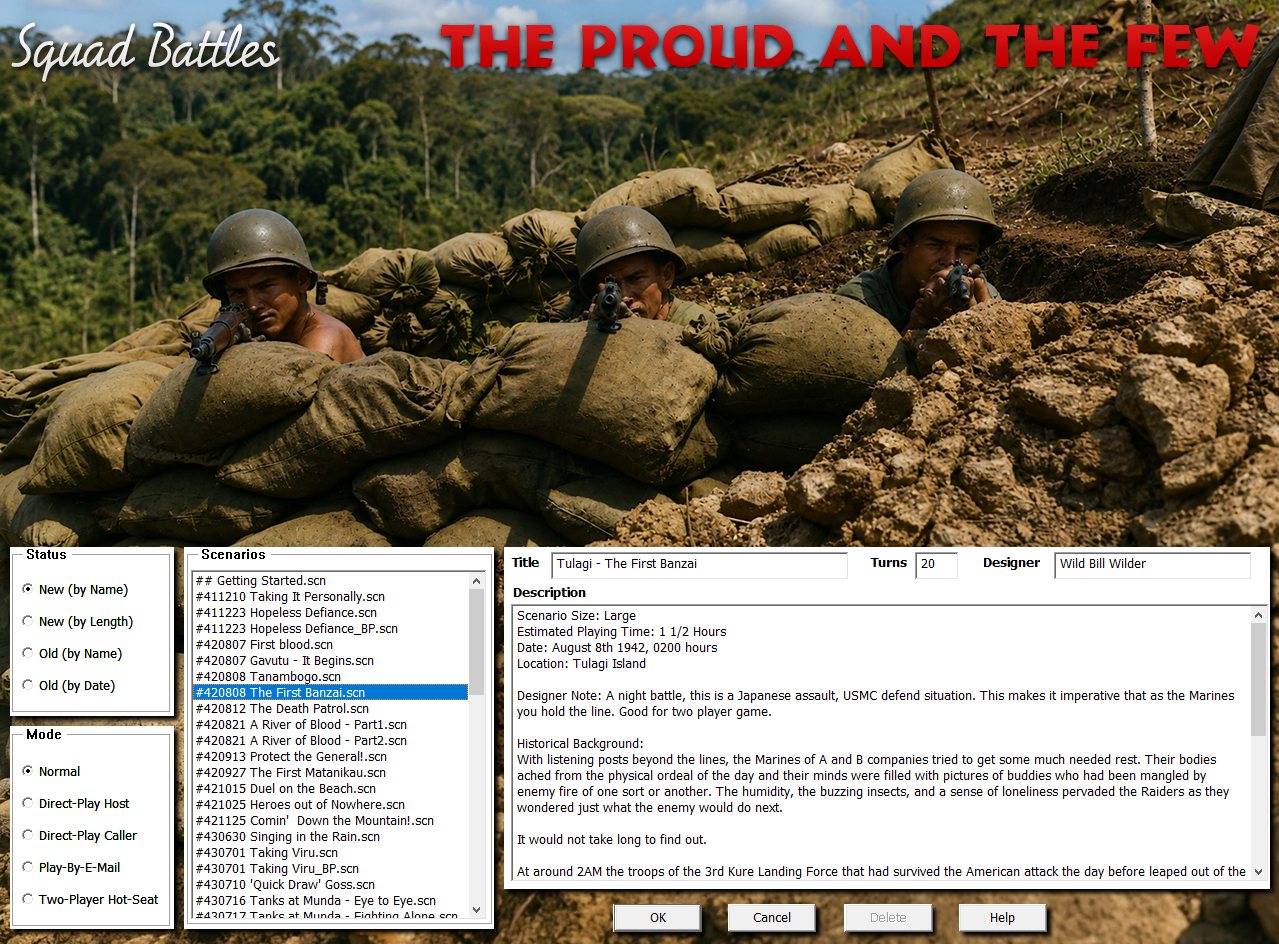
· Graphical Selection screens added to align with other series.
· The Selection Screen now uses a larger font and is also larger to display more information.
· A range of other reports or dialogs now use a larger font to improve readability.
· Show Organization Enhancements (Alt-Q)
o Is now a non-modal dialog and can be left open during play. It can be placed on a separate monitor if desired.
o The ‘Show Organization’ (Alt-Q) will now both highlight the selected organization and move the map to centre on the selected formation/unit.
o If an organization is highlighted on map (shortcut key ‘Q’) and then the Show Organization dialog opened (Alt-Q), the dialog will now expand the Org Tree to show the selected Organization.
o Selecting units on map with the Show Organization Dialog open will update the dialog view.
o Formations may show if they are ‘Not Present’ or ‘Reinforcements’ in the scenario being played.
o Strength values are shown for each formation.
o Show Organization icon added to the toolbar.
· The Jump Map (shortcut key ‘J’) is now a non-modal dialog and can be left open during play. It can be placed on a separate monitor if desired.
· The Command Report (Alt-K) is now a non-modal dialog and can be left open during play. It can be placed on a separate monitor if desired.
· The Parameter Data (shortcut key ‘F3’) is now a non-modal dialog and can be left open during play. It can be placed on a separate monitor if desired.
· All non-modal displays can be placed on screen as desired and their positions and sizes will be remembered. Under Settings there is a ‘Clear Settings’ choice that will reset all positions and sizes to default. Please note this resets all your settings as previously played.
· New in-game Cursor choices. Four cursor types are available: Standard, Simple, Legacy, and Animated. There are additional colour and size options. They can be selected at the “Settings → Cursor” menu. If players want to add their own cursors, they can swap out unwanted choices in the Cursors directory.
4.03.4 Changelog (not released)
Bug Fixes
· Fixed: Crash when End of Battle song finishes.
· Fixed: Indirect Fire should not be blocked by friendly units.
· Fixed: Prevent multiple immobilizations.
· Fixed: Prevent screen tearing when changing zoom levels.
Enhancements
· Enhanced Burden of Command 3D graphics added. The beta graphics have been replaced with improved versions.
· Four biomes added: Summer, Fall, Barren, and Snow.
· Added biome-specific versions of the 3DSymbols file.
· Fields, Marshes, Swamps, and Trails are no longer "erased" by Snow conditions, only Frozen.
· Trenches are now obscured by terrain instead of lying on top.
· Terrain graphics, including urban, can now have up to twenty-four variations.
· All explosion animations redone, including new enhanced versions in 2D. There are now twenty-five frames for animation, up from twenty.
· Support for Night Shading added, select in settings.
· Swamp hexes added to 3D ground hexes.
· Swamp hexes added to 2D terrain file.
· Destroyed sparse villages added to the 2D terrain file.
· Draw Rice Paddies in 3D mode.
· Unit bases show in 3D when units are turned off.
· 3D units, both infantry and vehicle are centered in the hex, if there is a single unit.
· New alternative hex outline color (white) added, select in settings.
· 3D hex outline occlusion added. The hex outline will no longer overwrite terrain.
· Crew served weapons now show their morale status in both 2D and 3D.
· Turning infantry or artillery in place will no longer draw enemy fire.
· The status bar will no longer reveal the existence of a hidden enemy unit when moving into a hex with concealed units.
· Increased the thickness of range circles in both 2D and 3D, when selecting Maximum Range (shortcut X).
Content Changes
· Updated weapons and load data to use the new pyrotechnic animations.
· Several scenarios have been designated as night scenarios. Night shading will be shown, if selected.
· All scenarios have been reviewed to ensure the correct biome is used, as well as applying night shading, if applicable.
Screenshots
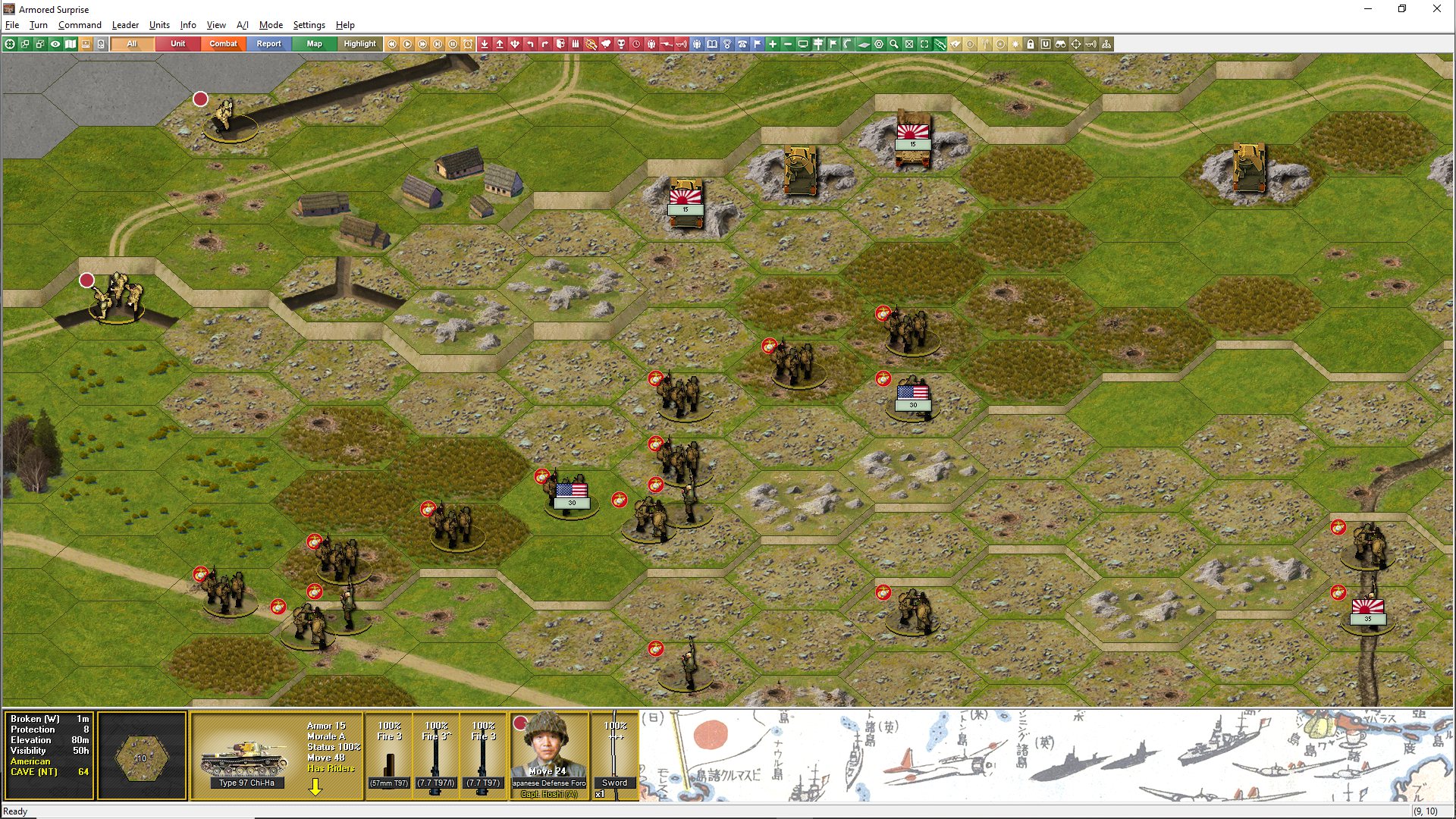
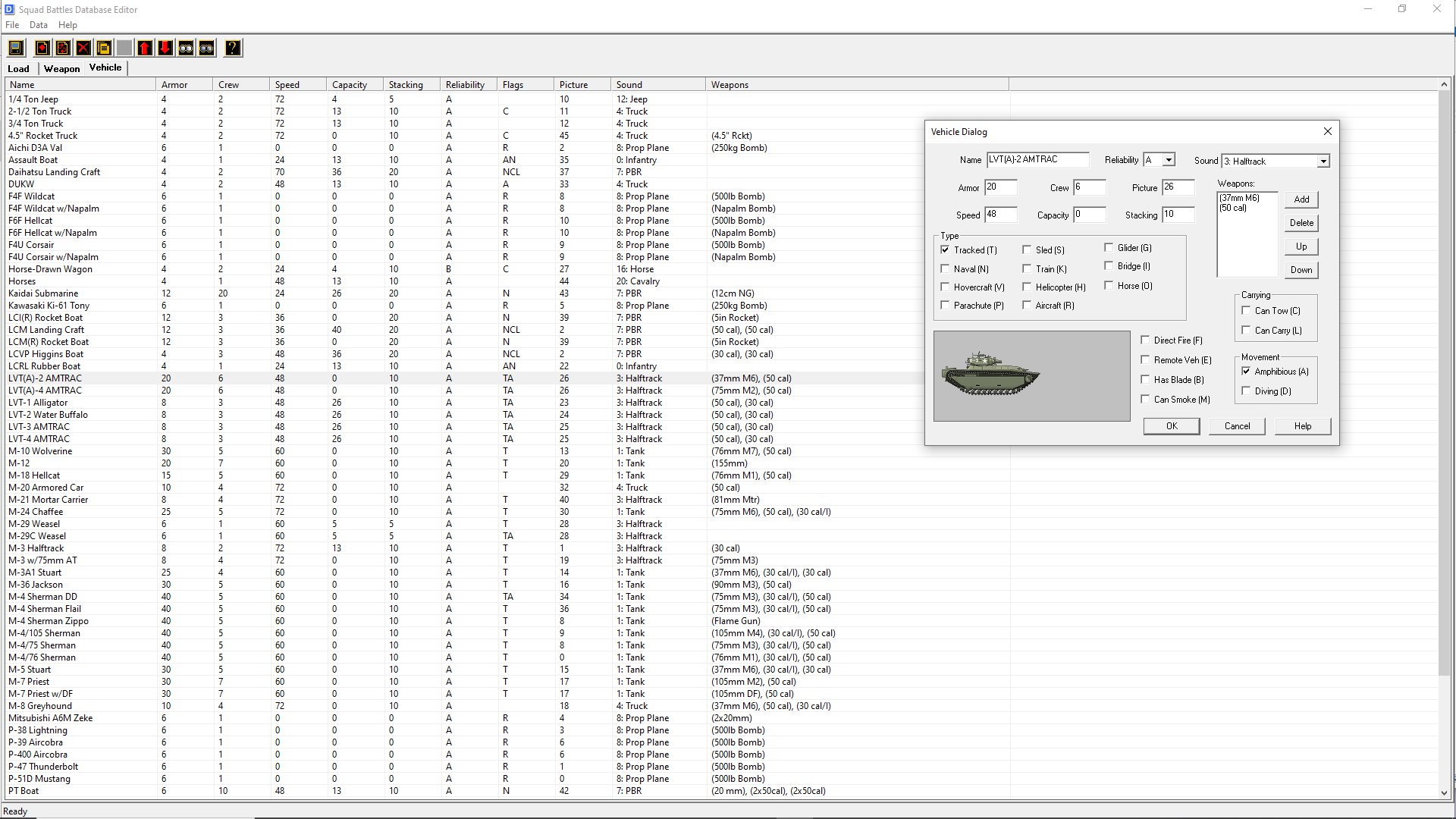
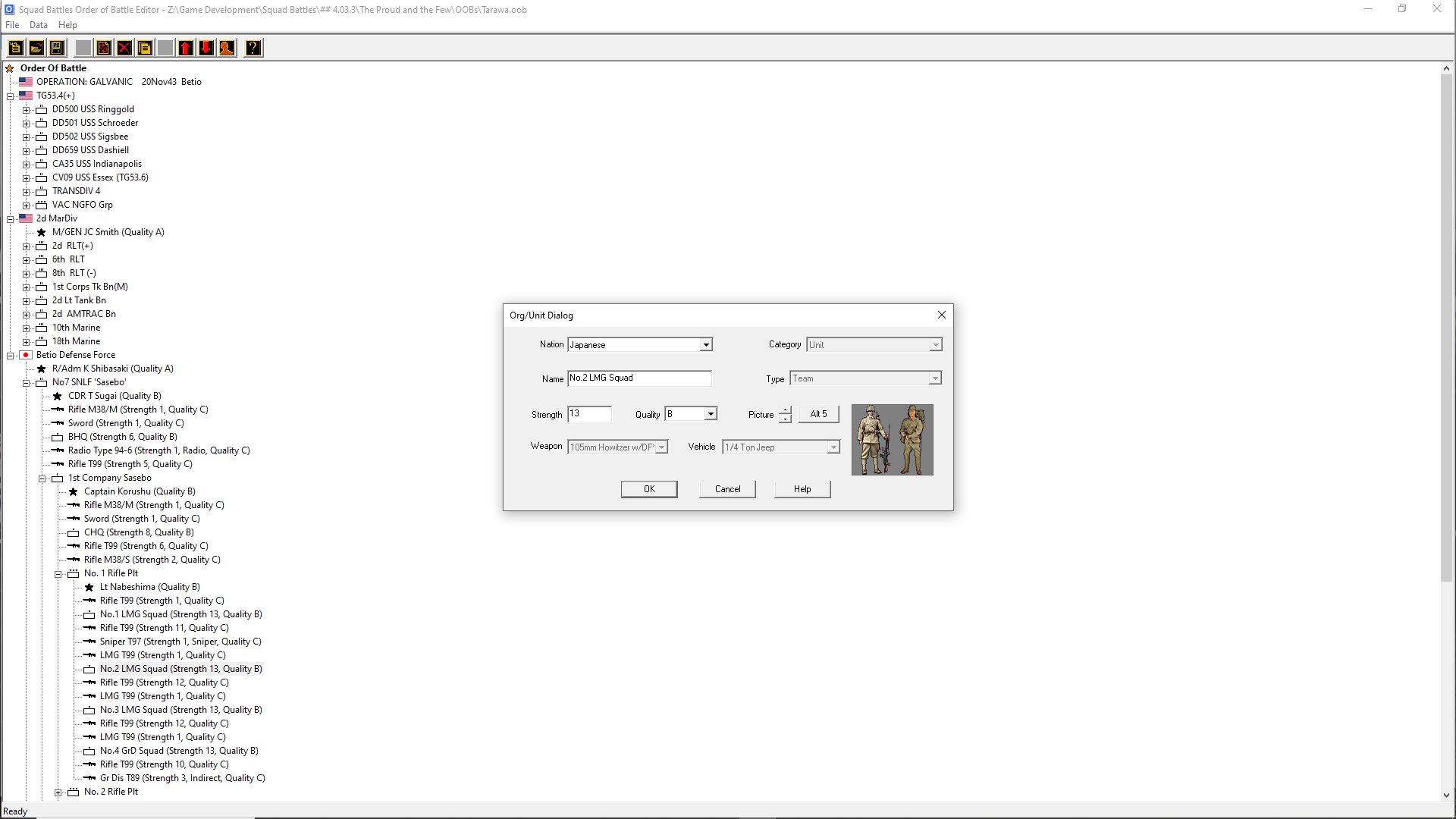
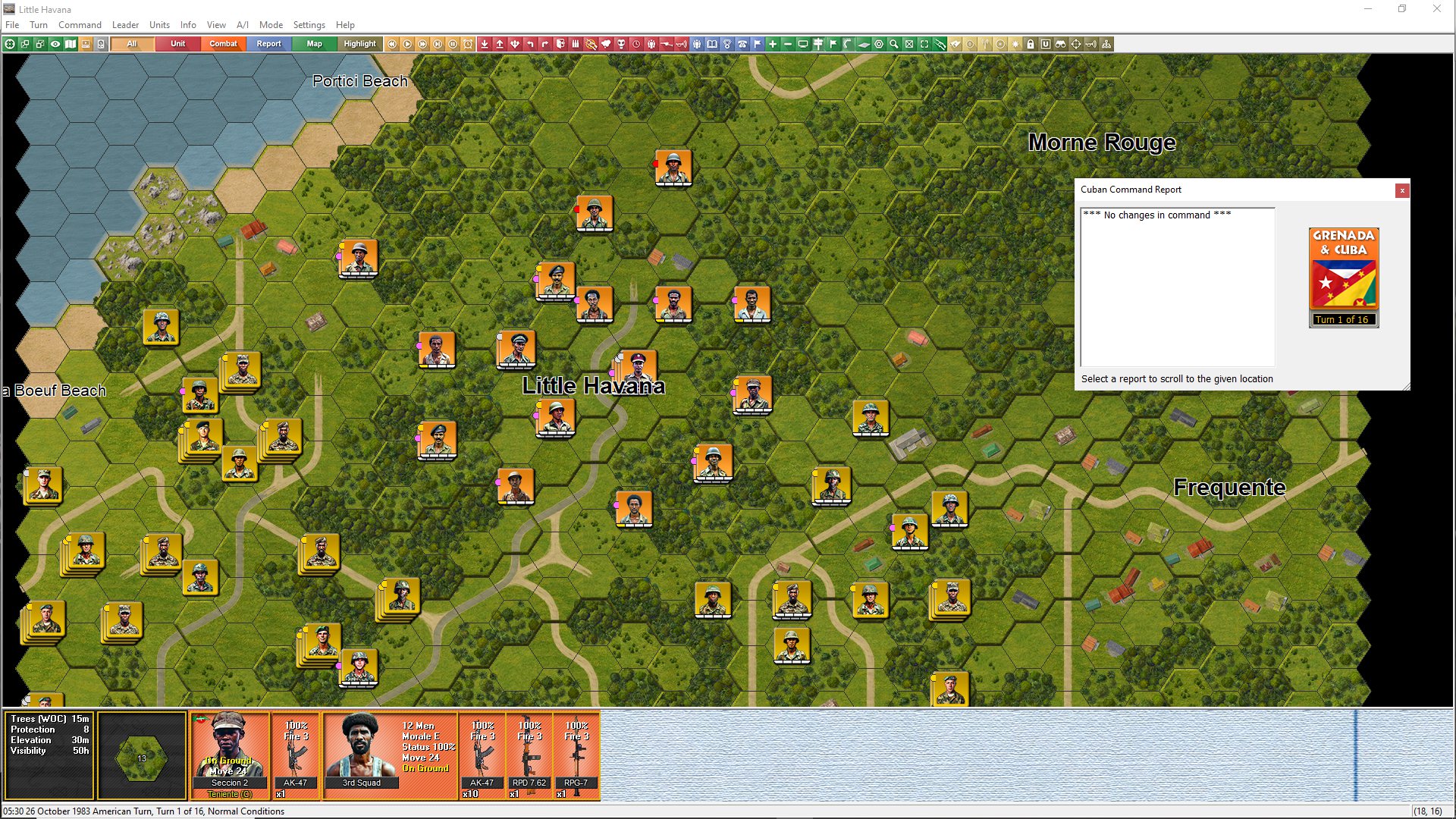
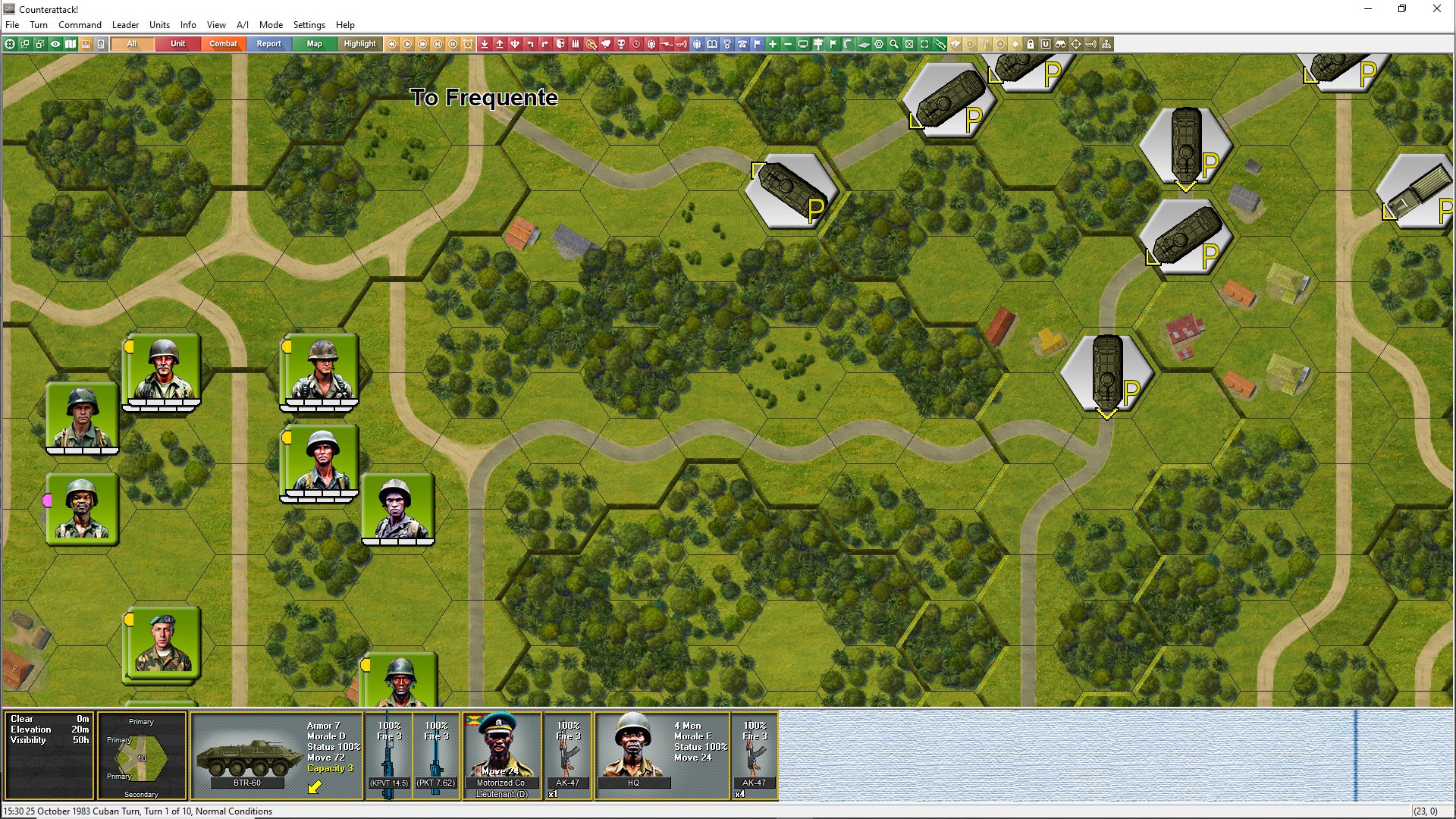
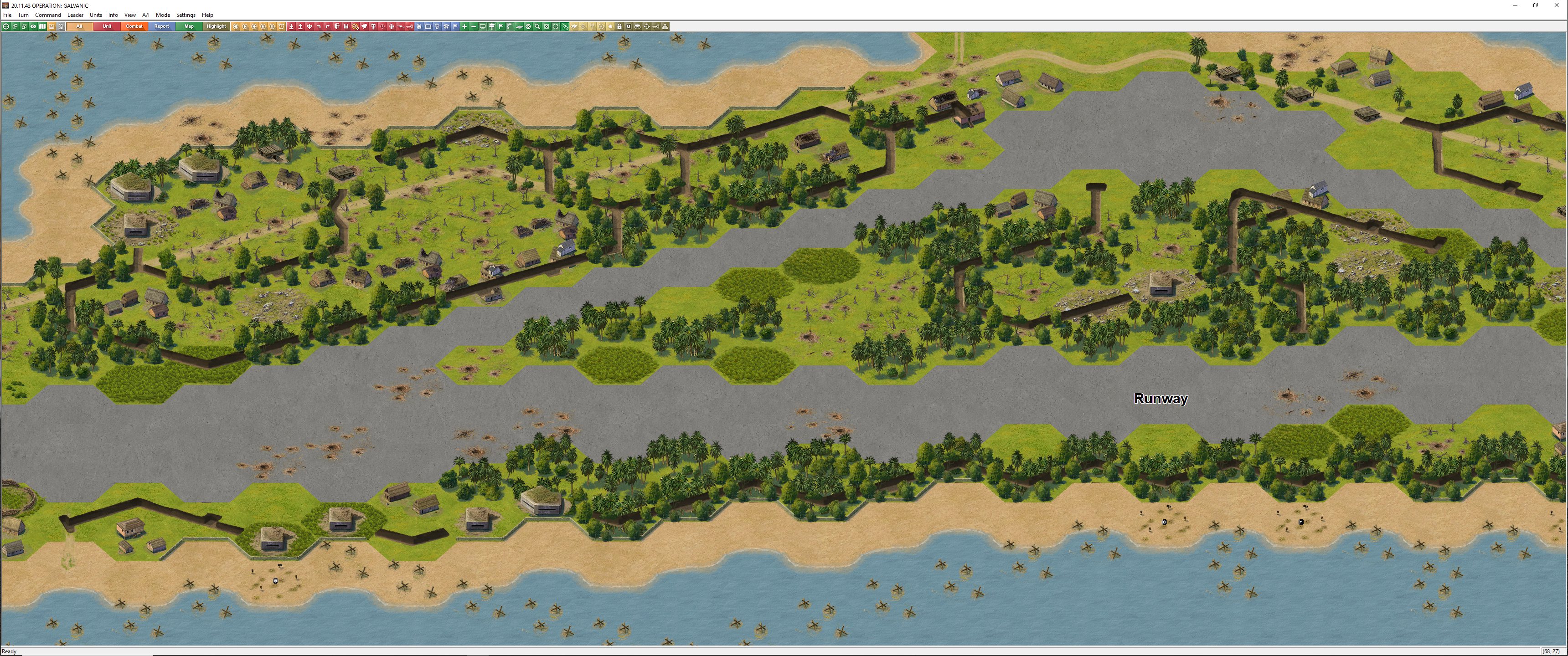
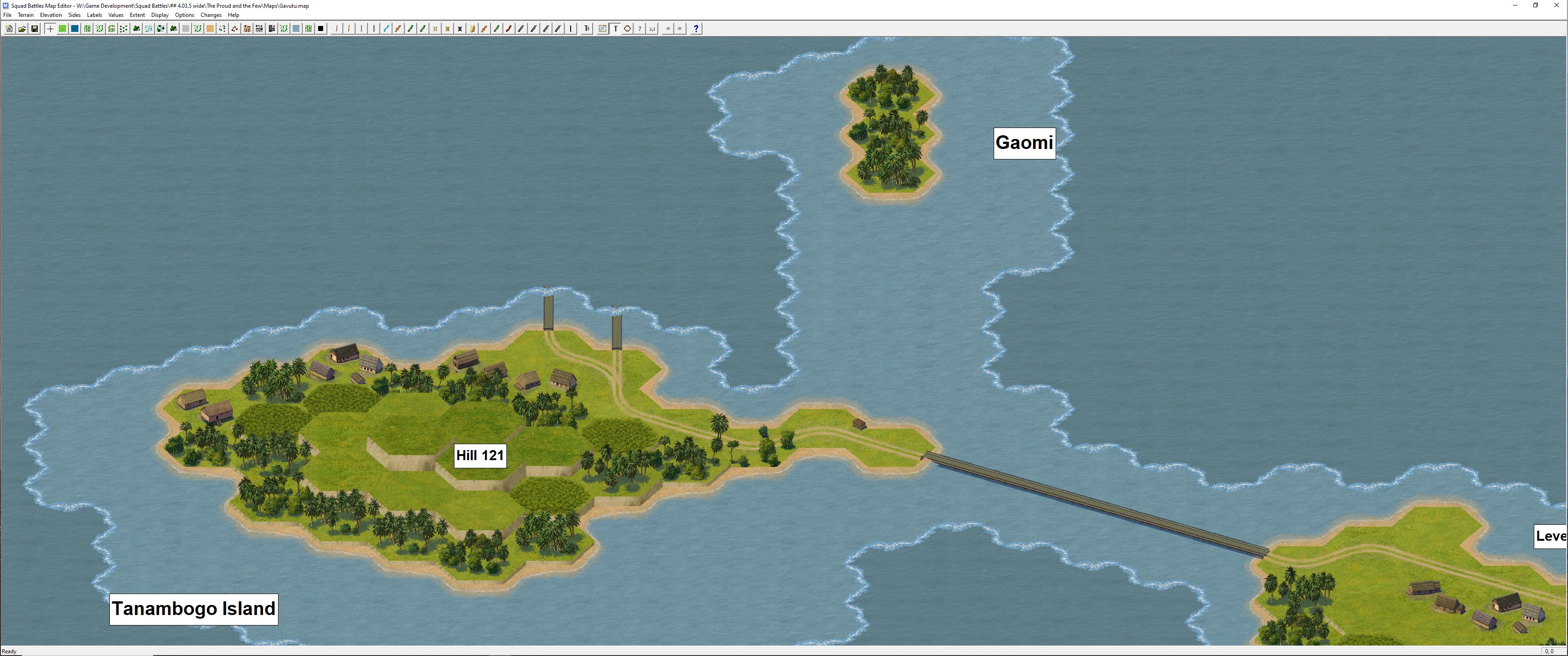
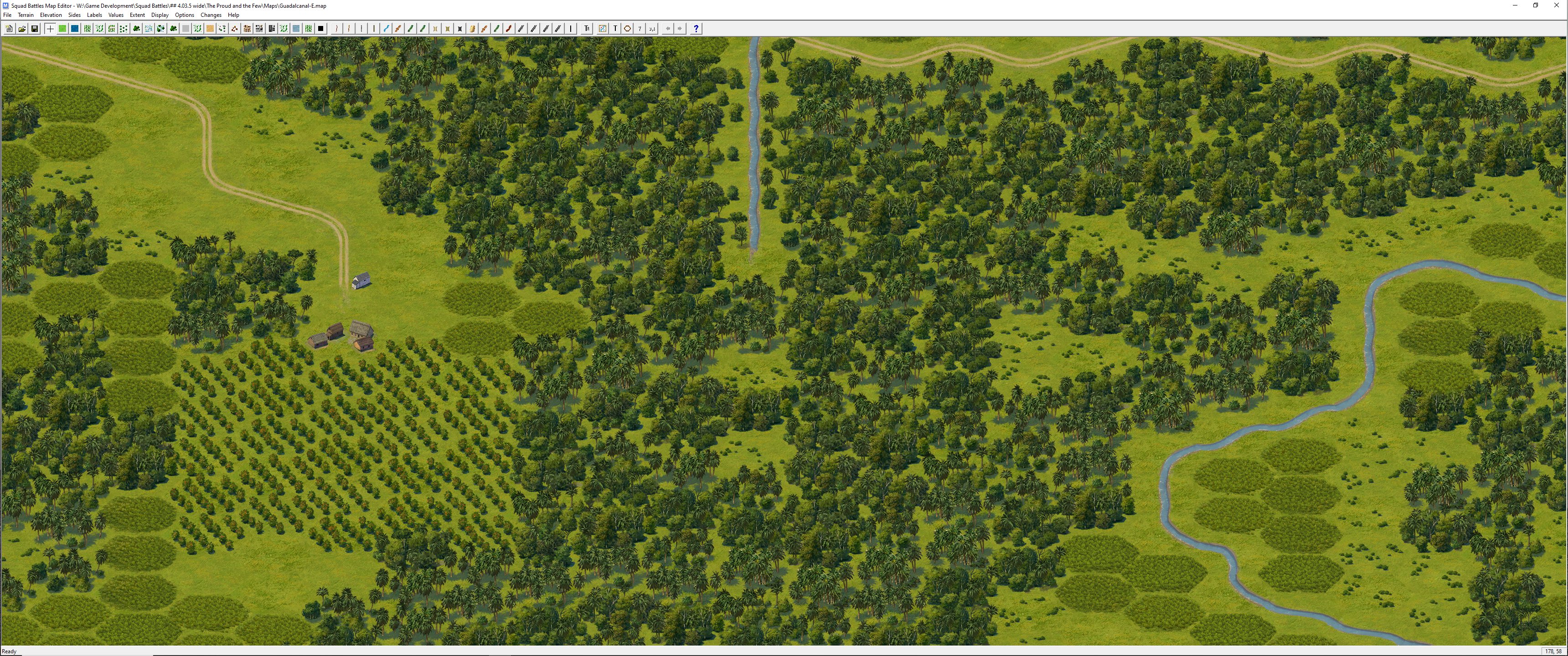
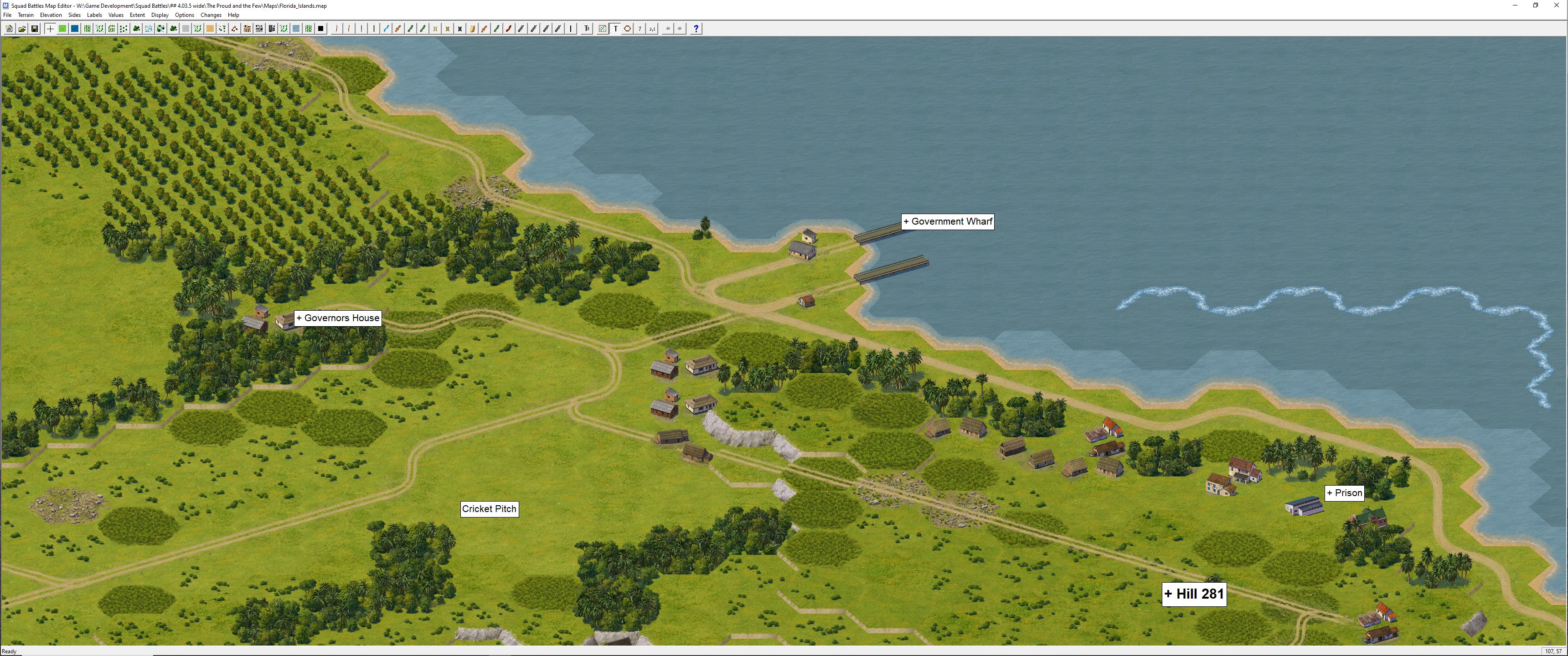
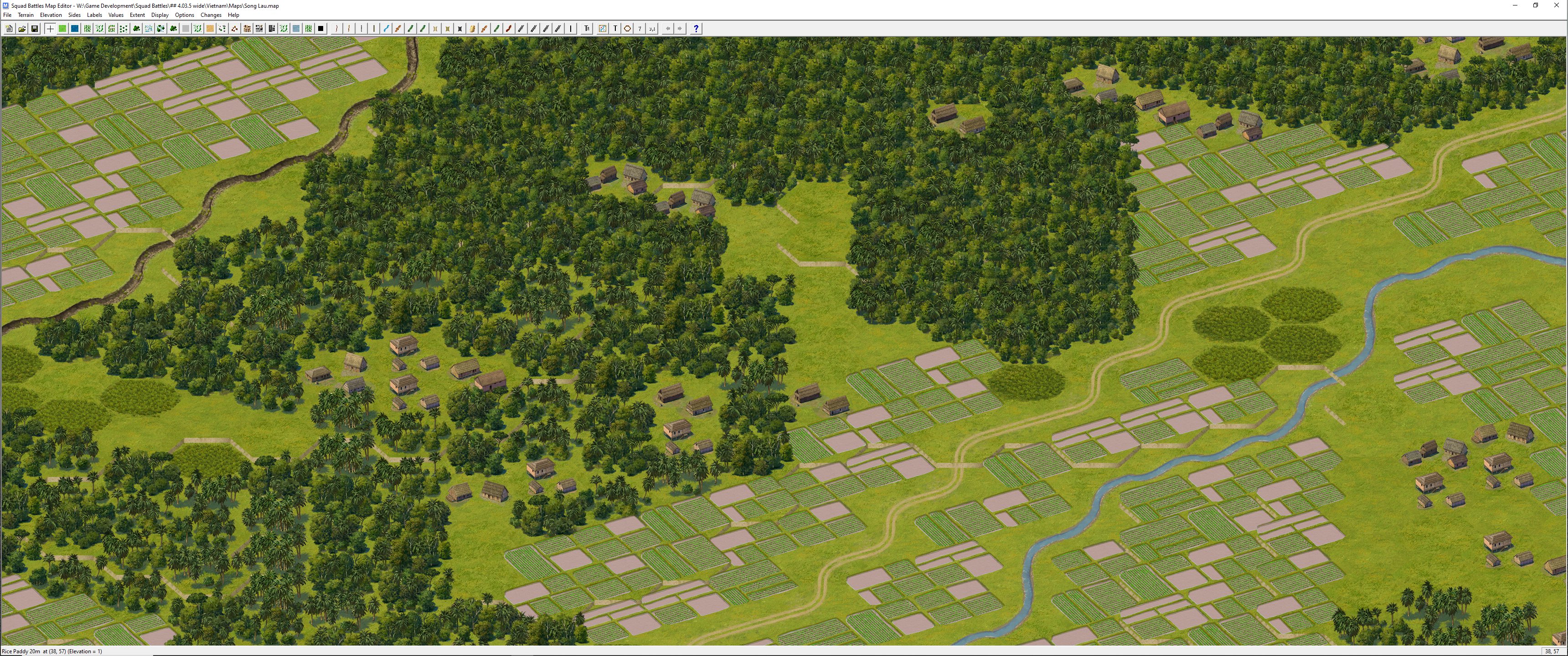
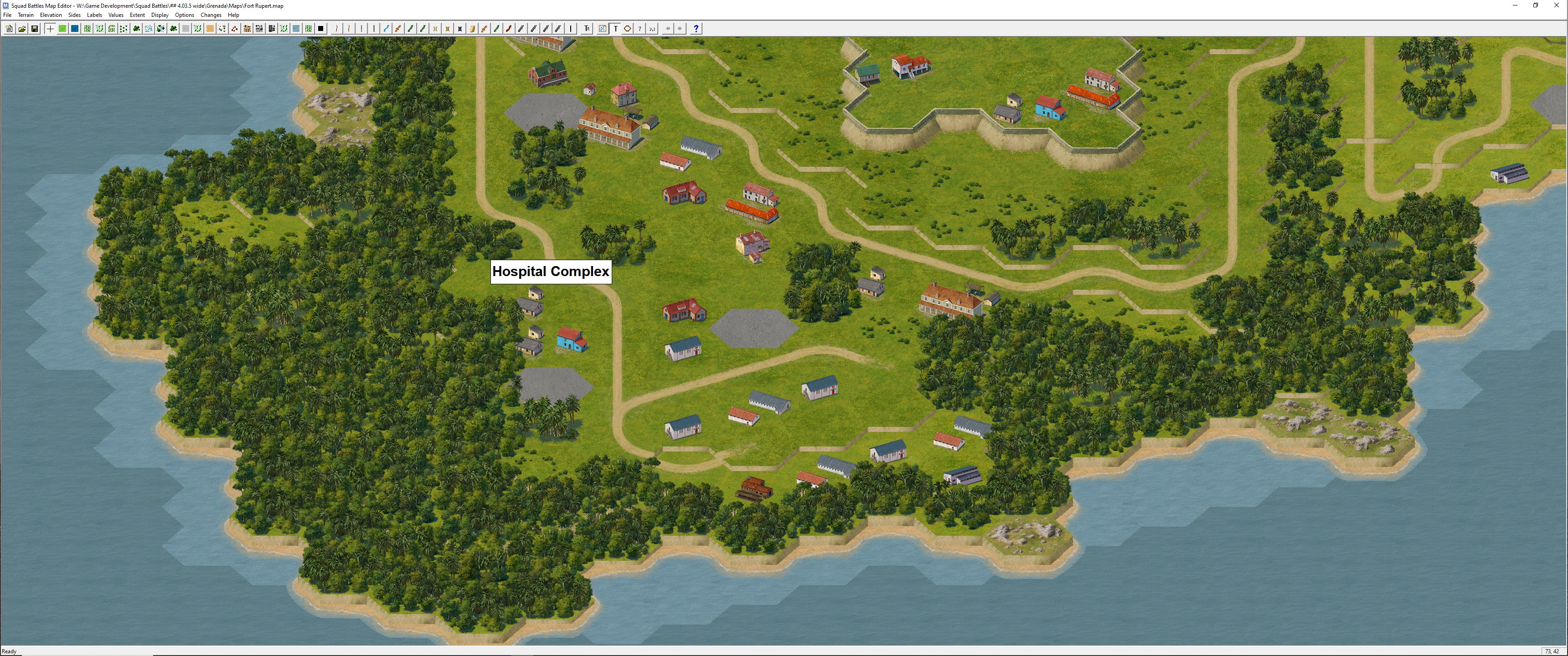
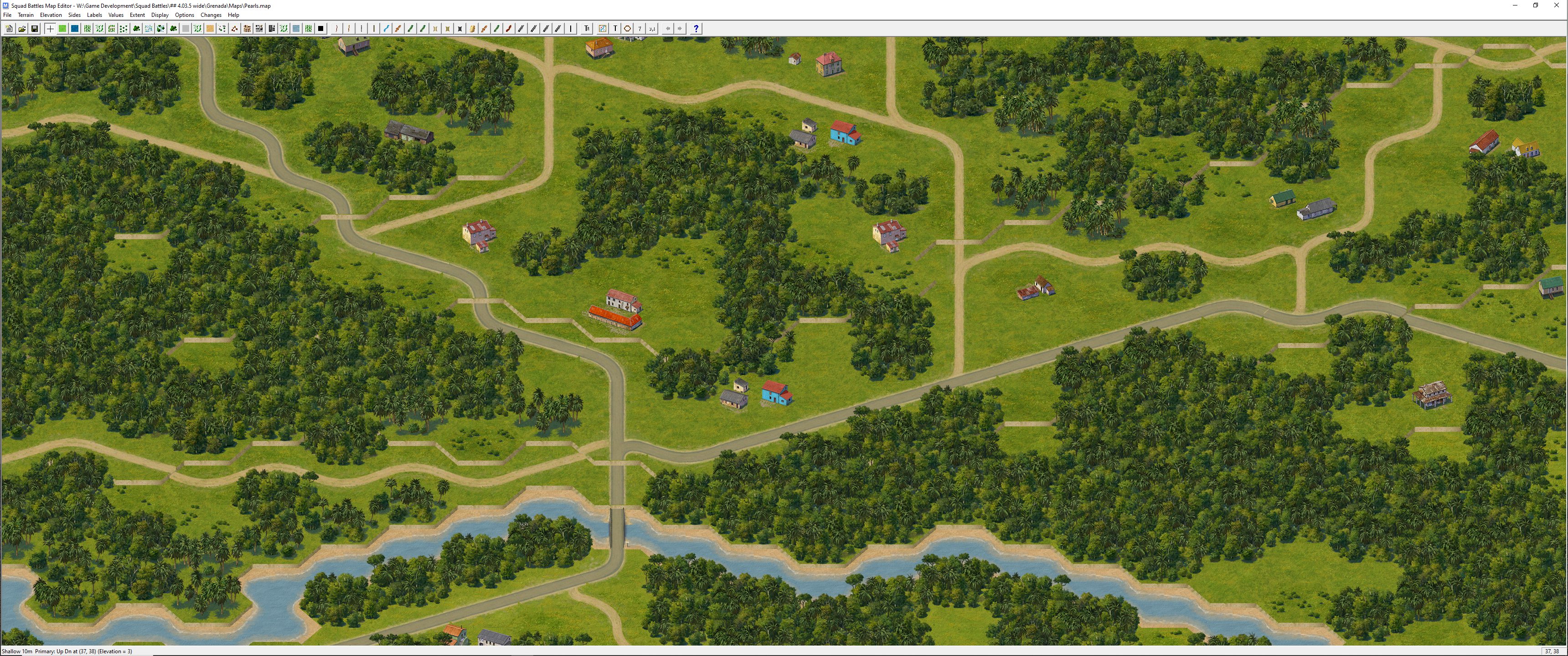
The following are some screenshots from both games. As with the entire Squad Battles series, these titles have three 2D views and two 3D views to choose from. The new Jungle biome is used extensively in both titles, as shown in the images.
The Proud and the Few
Grenada
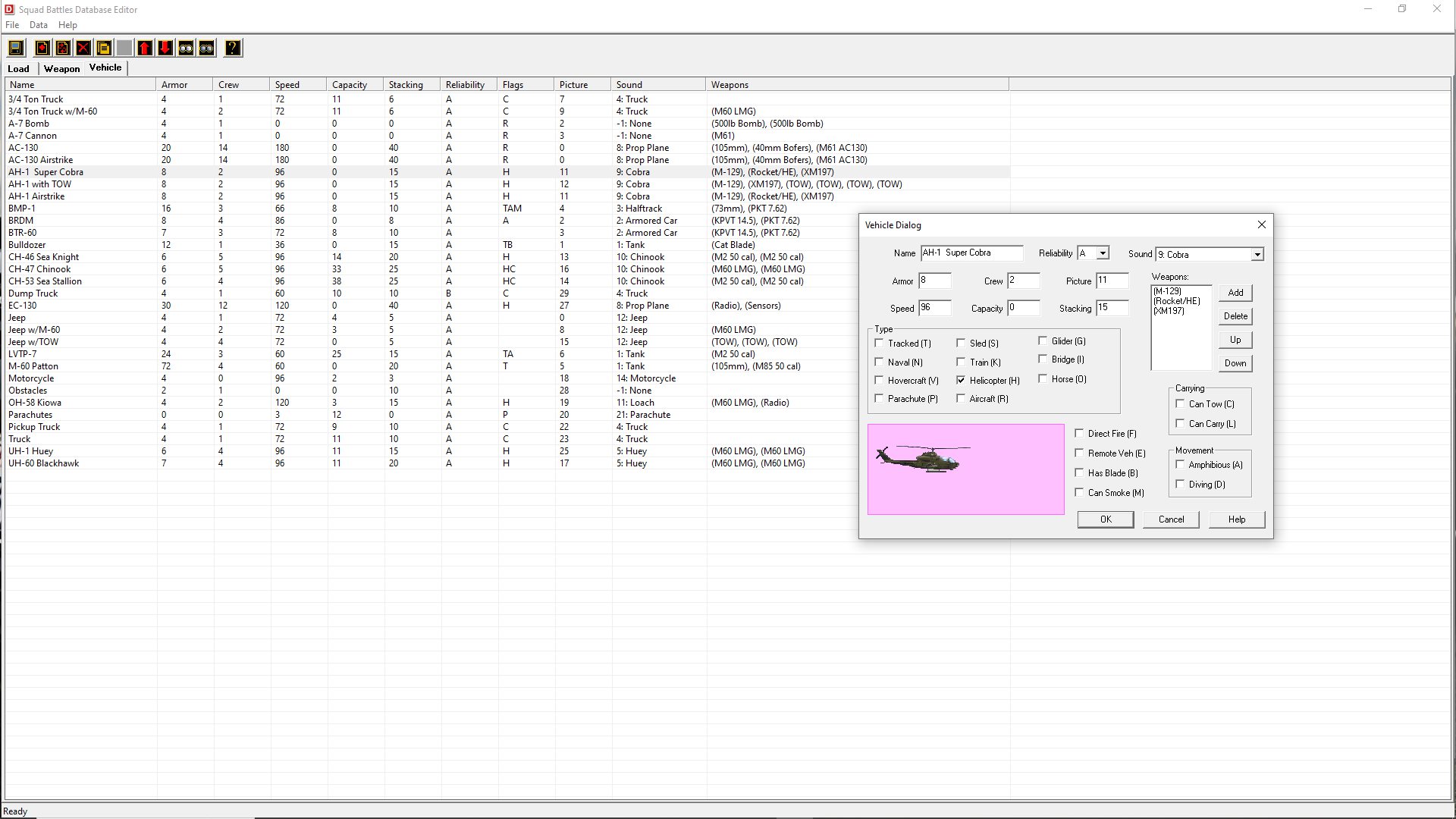
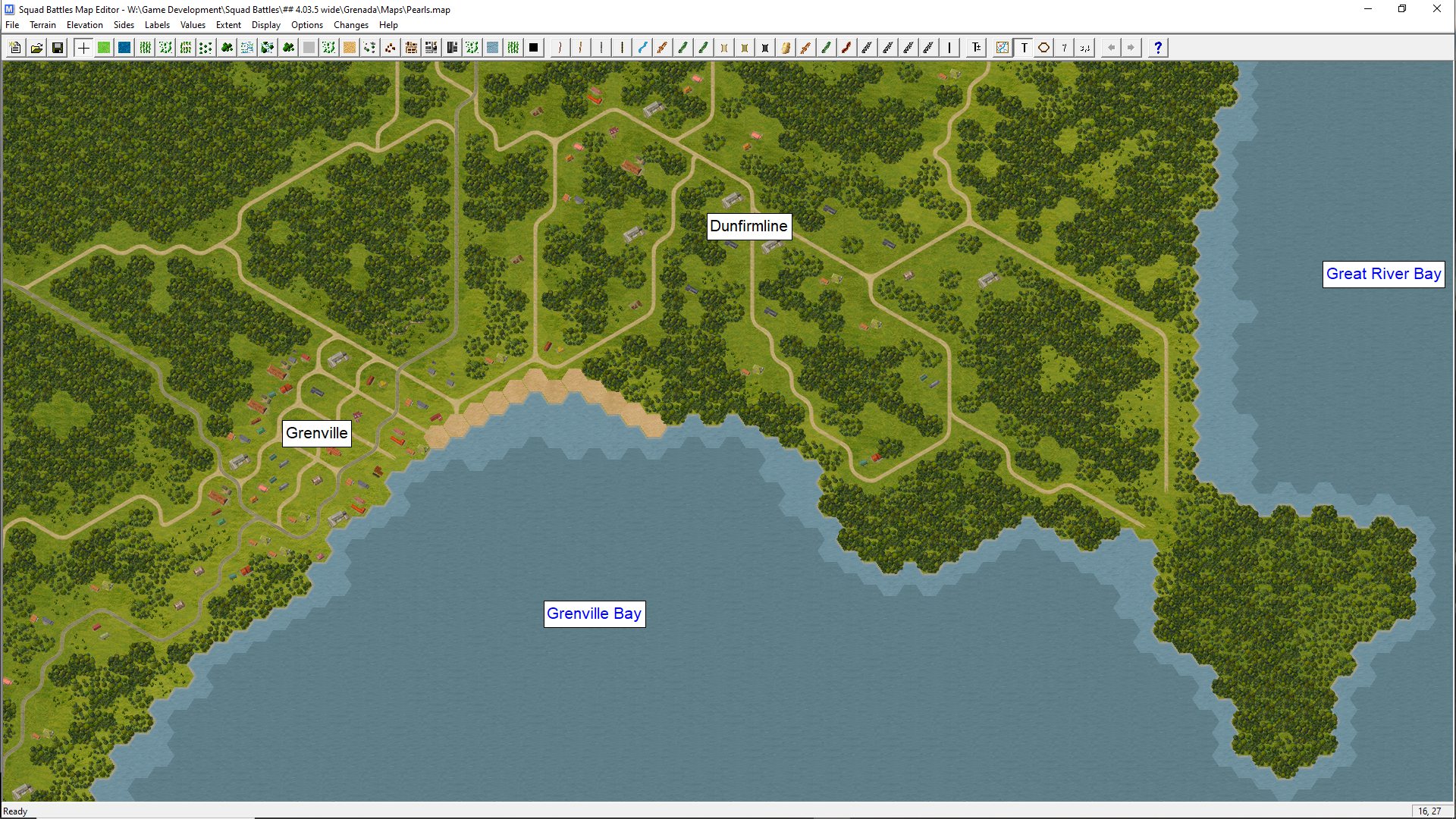
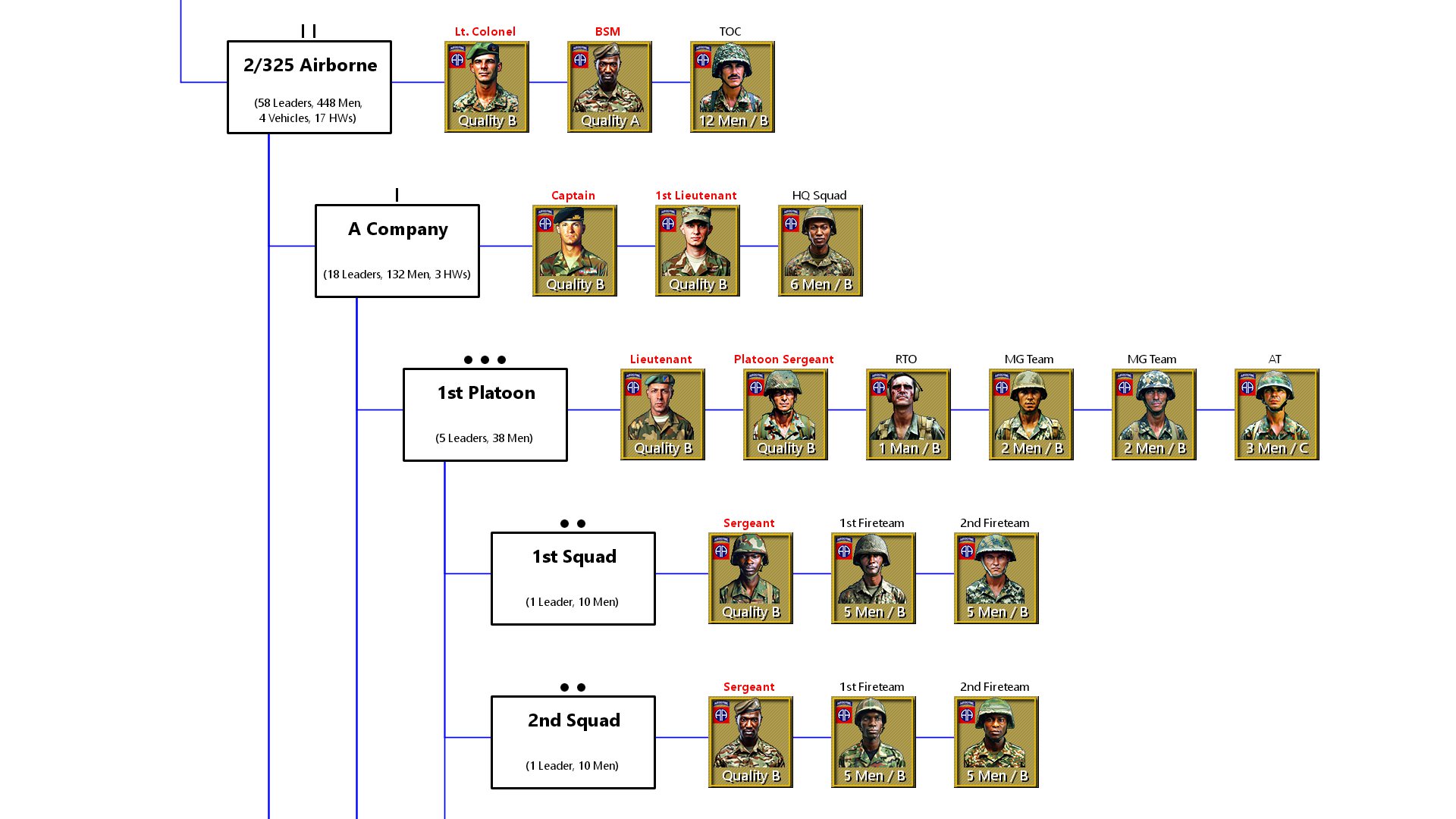
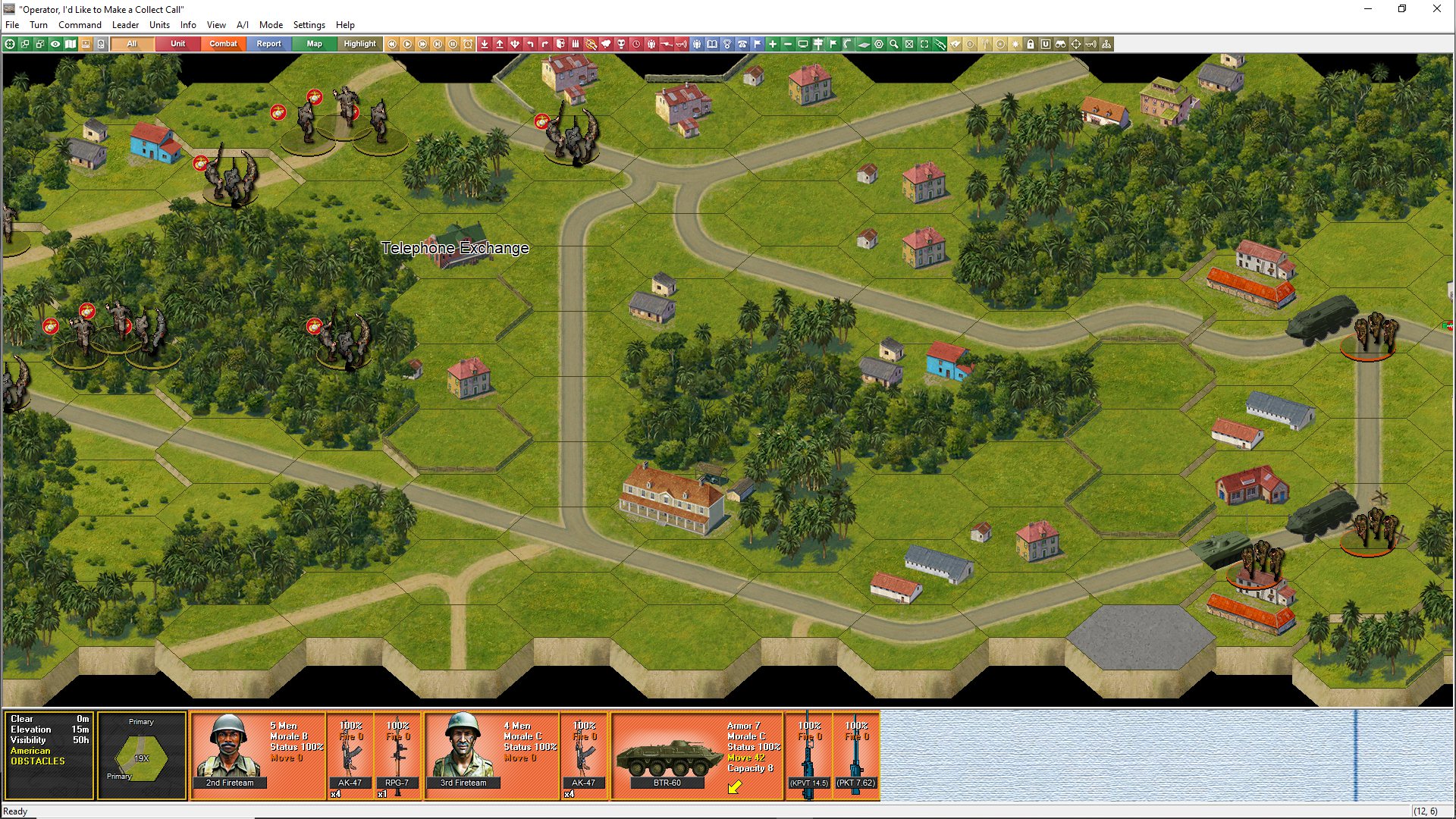
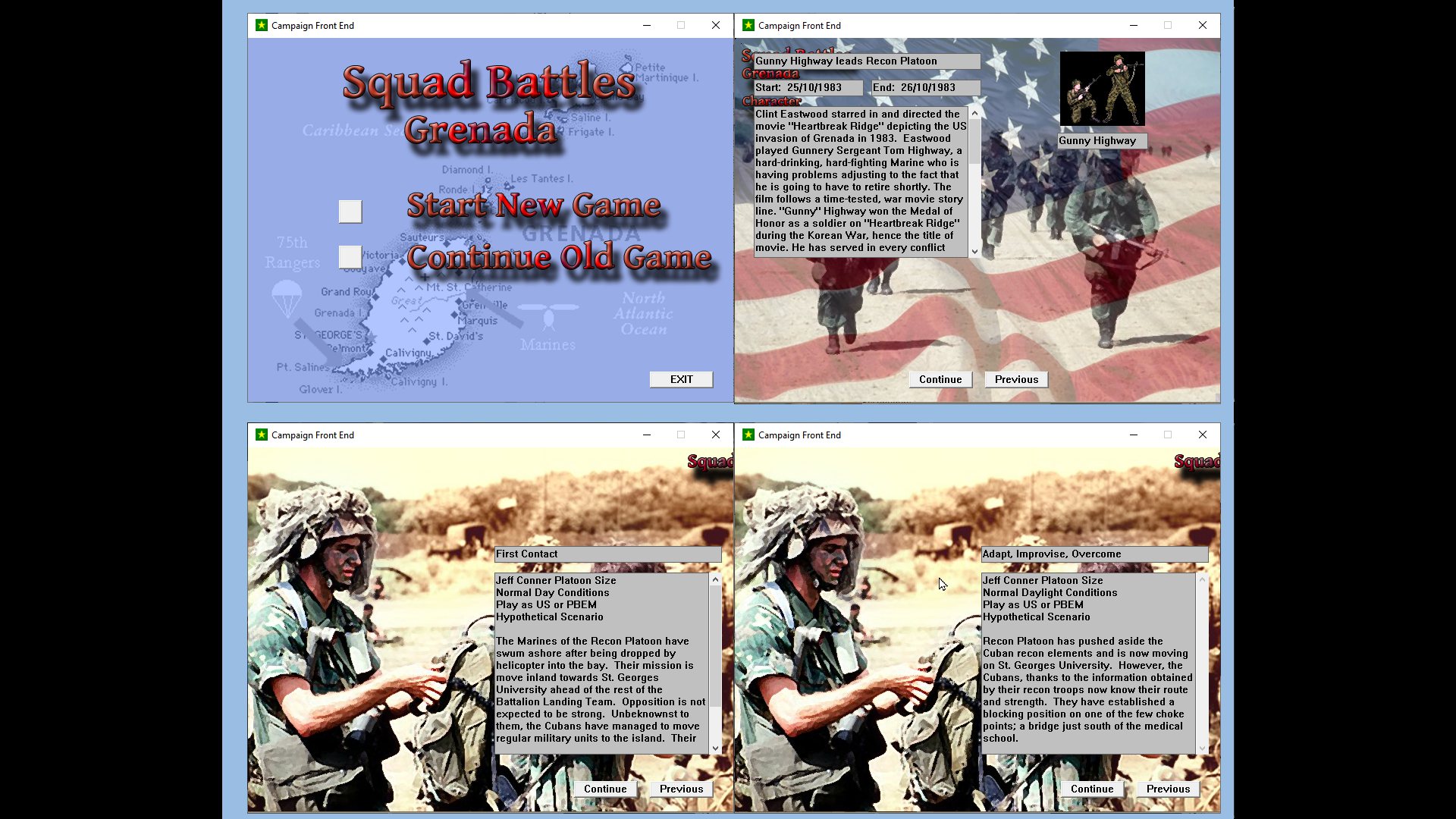
Example Selection Screens
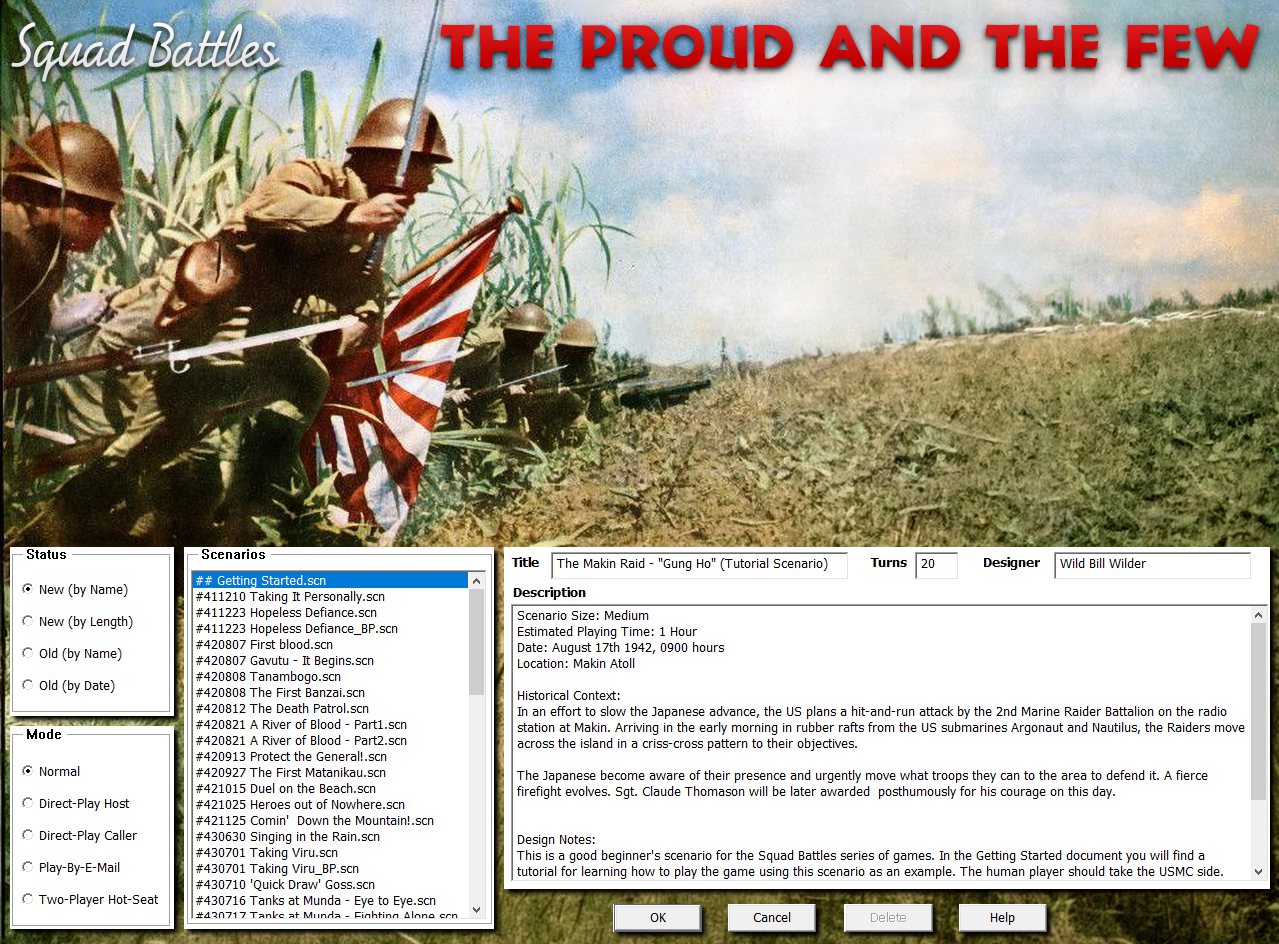
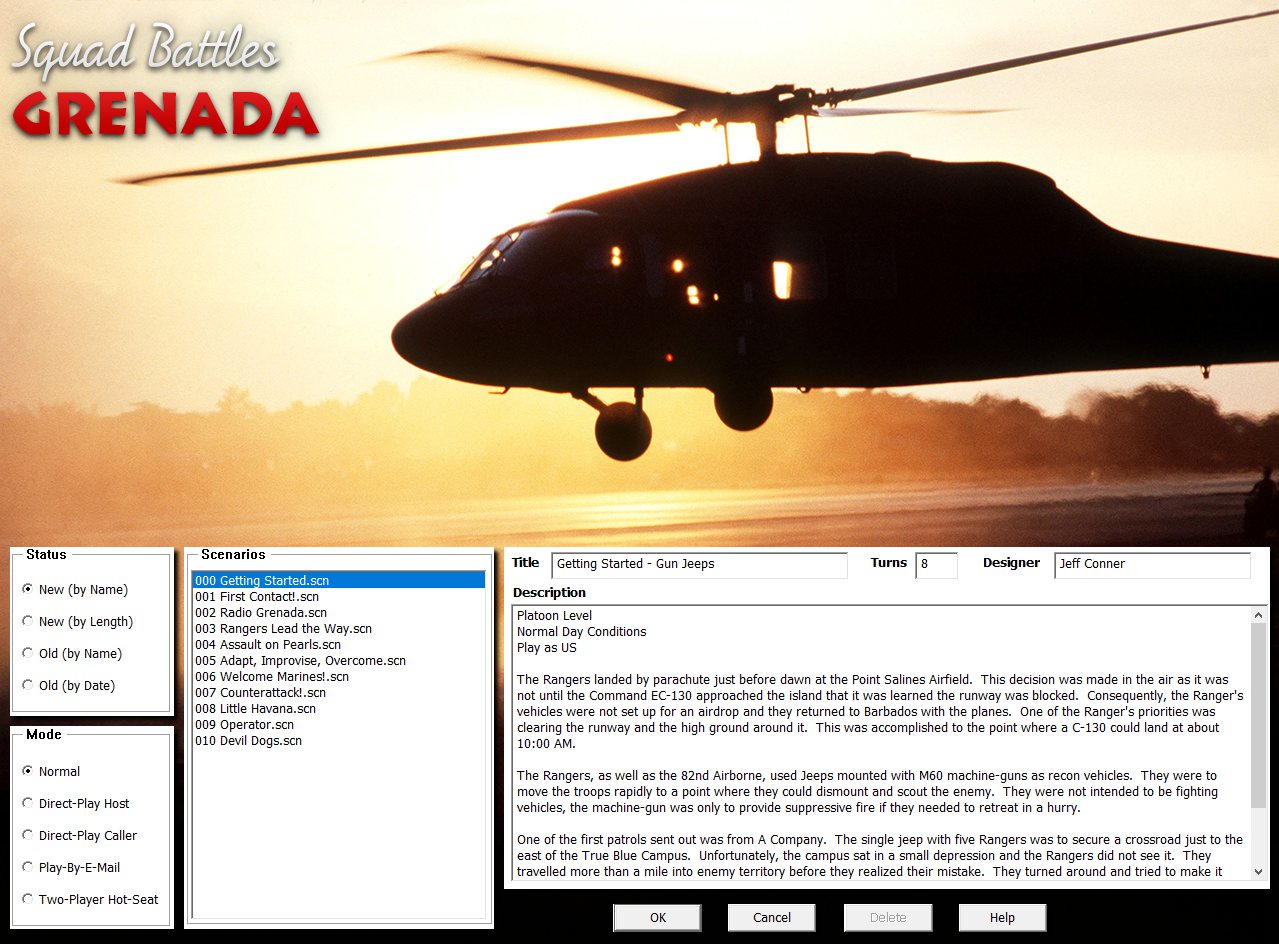
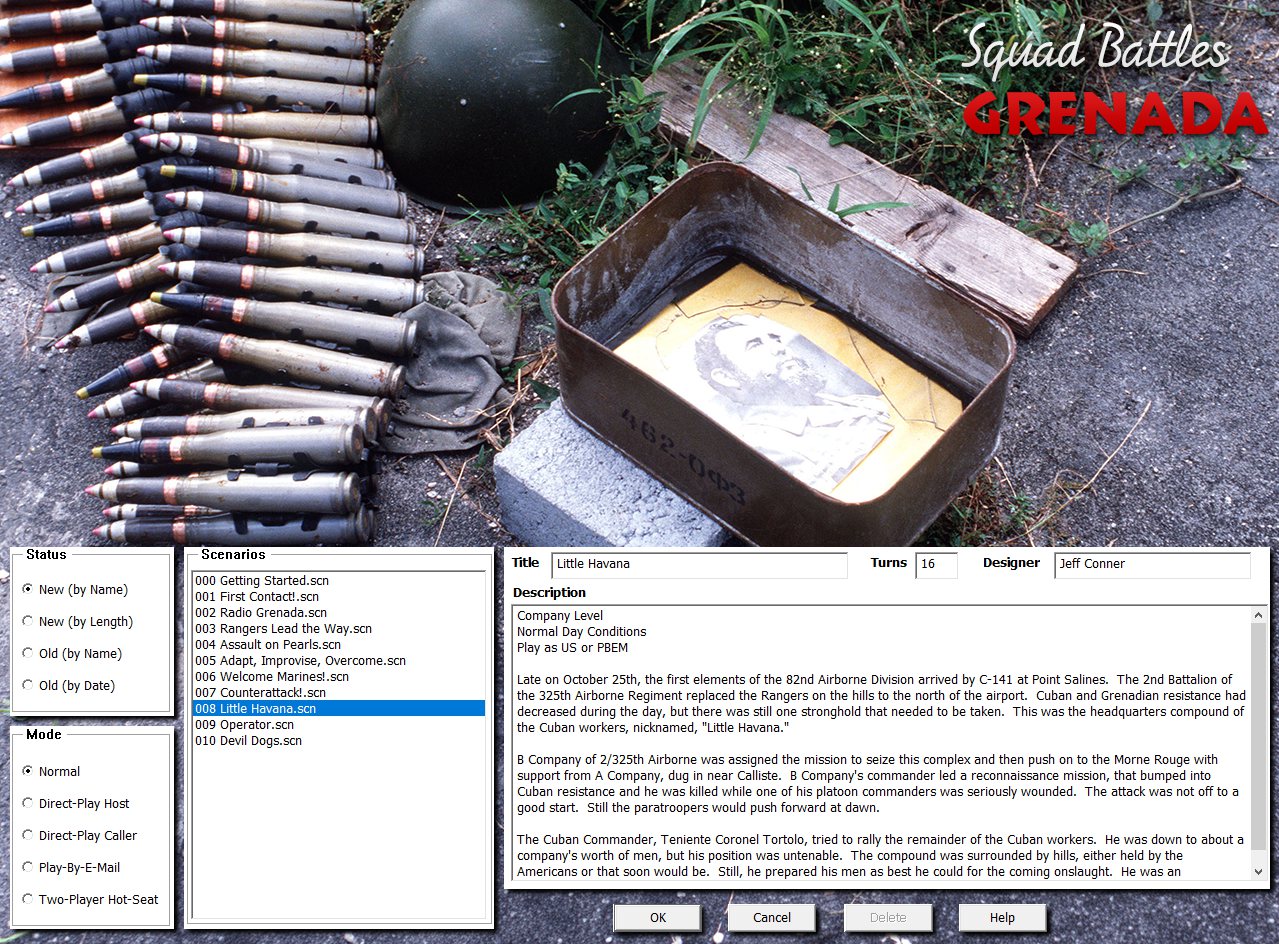
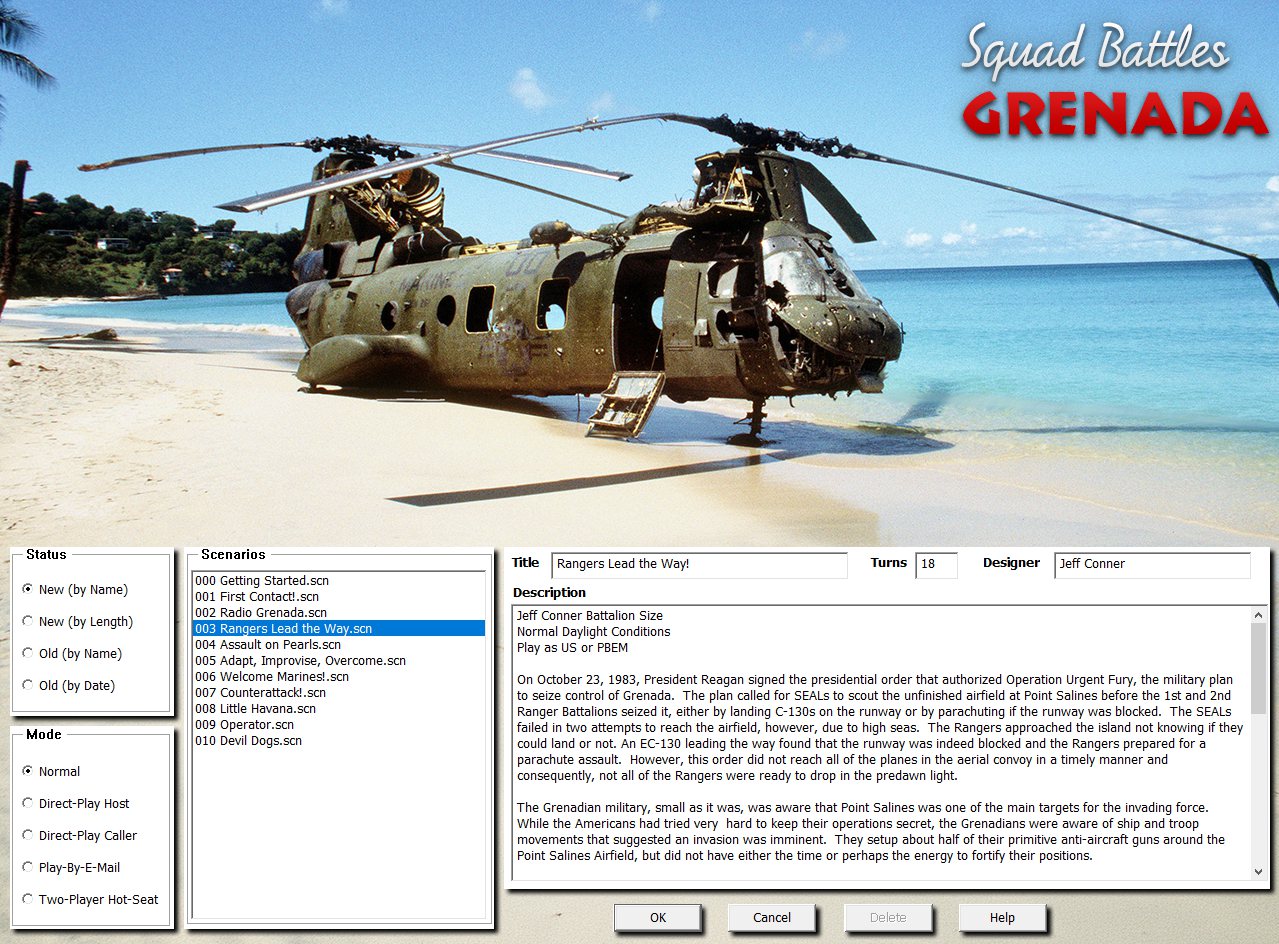
Some larger-sized examples of the new Jungle graphics. All images can be clicked to view full size.
Example of a map with numerous rice paddies.
The new 4.03.5 The Proud and the Few can be bought directly from the store page here.
The Grenada Demo is either available on its store page or, if you already have a copy, in the latest build in your store account.
Note for existing Grenada owners: The latest patch must be applied to a clean 4.03.2 installation - do not patch over earlier versions. We strongly recommend downloading the full 4.03.5 installer from your store account rather than patching the previous 4.03.2 version, as the graphics have undergone extensive changes.
Note for existing The Proud and the Few owners: We are not releasing a 4.03.5 patch for The Proud and the Few. Existing files from the 4.03.3 version will cause graphical issues on the Jungle maps. A full 4.03.5 installer is available from your store account. We strongly recommend using that.


FANTASTIC!!!!!!!!!!
Congratulations on the work done, it was really excellent.
Beautiful news.I’ve been waiting for this upgrade for ages.Now i wait some Operation Barbarossa for Panzer C.ampaign
Excellent update, the weapon types being added to the NATO counters is much appreciated. Plus all the improved usability and readability! Now I don’t know if I can play Eagles Strike until it gets this patch ;)
Great news, thanks! Thank you for continuing to update existing games. It shows that WDS is supportive of its customers not to mention the love of the hobby. I would love to see Dien Bien Phu, also jungle environment, to be updated. It is one of the overlooked but GREAT squad battle games.
Leave a comment